

Adobe Acrobat alternative
The PDF essentials from Acrobat, without the Adobe subscription.
Adobe Acrobat is the industry standard for advanced PDF editing, and it earns that reputation. But if you mainly need to convert, merge, split, and compress PDFs, you are overpaying at $23/month. File Studio handles these everyday tasks for a one-time $29 payment, with no Creative Cloud lock-in.
Works 100% offline on both Windows and Mac.
Adobe Acrobat
Requires internet and file uploads to work.
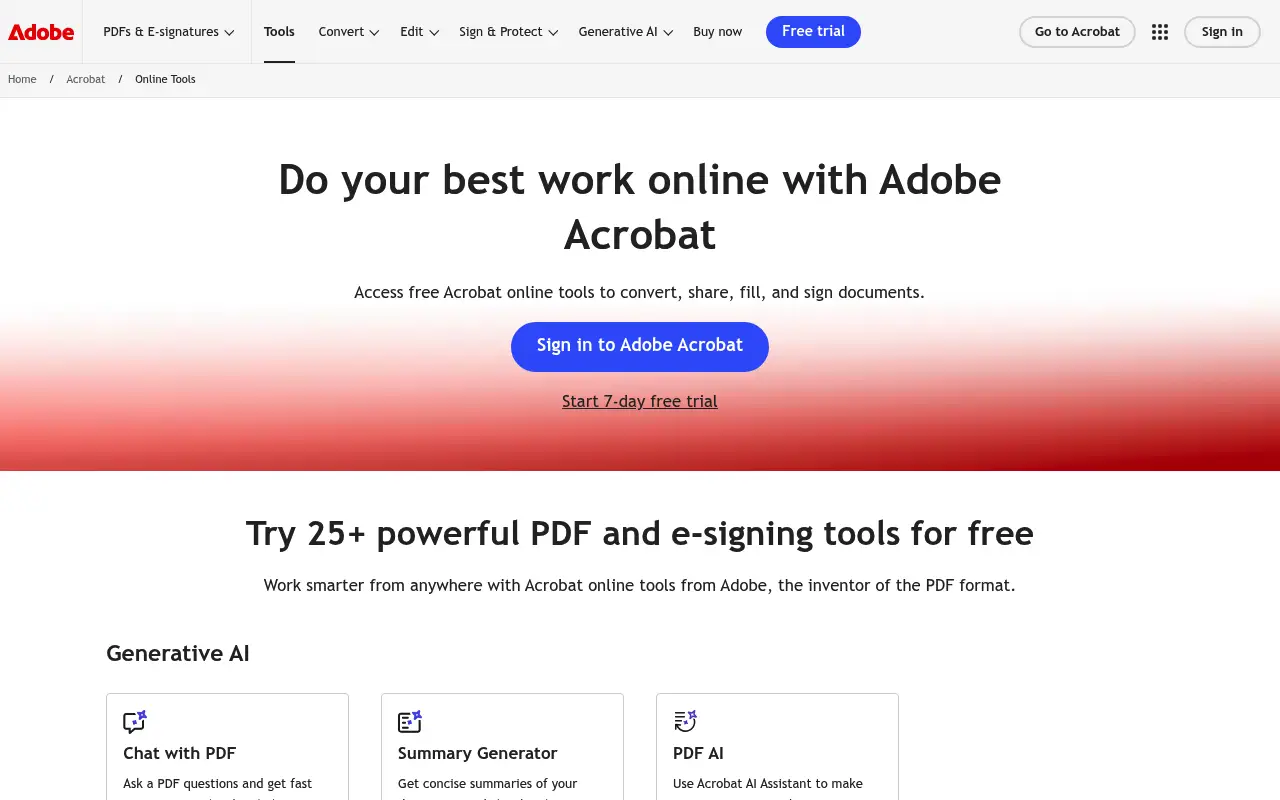
Why people use Adobe Acrobat
Adobe Acrobat is the original PDF software. Adobe invented the PDF format in 1993, and Acrobat has been the definitive tool for creating, editing, and managing PDFs ever since. When someone says they need to edit a PDF, Acrobat is the first product most professionals think of. It is the industry standard in legal, financial, publishing, and government sectors, and its capabilities are genuinely unmatched in depth and breadth.
Acrobat Pro DC (now called Acrobat Pro) includes advanced text editing, form creation with interactive fields, OCR for scanned documents, redaction for sensitive information, digital signatures with certificate-based validation, accessibility compliance tools, and integration with Adobe's broader Creative Cloud ecosystem. For professionals who need these advanced features, Acrobat is irreplaceable. No competing tool matches its full feature set.
The challenge is that most people do not need most of what Acrobat offers. Studies consistently show that the vast majority of PDF operations fall into four categories: merging, splitting, compressing, and converting. These tasks do not require a $22.99 per month subscription, an Adobe ID, or a 500 MB application that runs background processes. For users whose PDF needs are straightforward, Acrobat is like using a commercial kitchen to make toast.
File Studio targets exactly this gap. It provides the everyday PDF operations that account for the bulk of real-world usage, plus image tools that Acrobat does not include, all for a one-time $29 payment. There is no Creative Cloud dependency, no account creation, and no recurring charge. For users who genuinely need advanced PDF editing, form creation, or OCR, Acrobat remains the right choice. For everyone else, File Studio delivers the essential tools at a fraction of the cost and complexity.
The user experience difference is also significant. Acrobat's interface has grown increasingly complex over decades of feature additions. New users regularly report feeling overwhelmed by the number of panels, menus, and options. Finding a specific tool can require multiple clicks through nested menus. File Studio takes the opposite approach: a clean, task-oriented interface where each operation is immediately accessible. For users who want to merge two PDFs or compress a document, the simplicity of File Studio means the job is done in seconds rather than minutes spent navigating Acrobat's extensive interface.
Side-by-side comparison
File Studio vs Adobe Acrobat
| Feature | Adobe Acrobat | File Studio |
|---|---|---|
| Works offline | Yes (desktop app) | Yes, fully offline |
| Advanced PDF editing | Yes, industry-leading text editing, form creation, OCR, redaction | Basic editing: annotations, merge, split, compress, convert |
| Pricing model | Acrobat Pro at $22.99/month ($275.88/year) | $29 one-time or $15/year |
| Requires account | Yes, Adobe ID required | No account required |
| App size and performance | Large install; can be resource-heavy | Lightweight native app, fast startup |
| Image tools included | No (separate apps like Photoshop required) | Yes, built-in image conversion, compression, resizing, and more |
| Batch processing | Yes, via Action Wizard (Pro only) | Yes, drag-and-drop batch processing |
| Learning curve | Steep; complex interface with many panels | Minimal; task-focused interface |
Why switch
What you get with File Studio instead
Save over $250 per year compared to Acrobat Pro if you only need conversion, merging, splitting, and compression.
No Adobe ID, no Creative Cloud app, no background processes eating system resources.
Image conversion and editing tools are built in, so you do not need Photoshop for basic image tasks.
Faster startup and a simpler interface mean less time navigating menus and more time getting work done.
One license, no recurring charges. Your purchase never expires.
Pricing
Adobe Acrobat Pro costs $22.99 per month, which adds up to nearly $276 per year. The standard version is slightly cheaper but still subscription-based. File Studio costs $29 once. If you need Acrobat's advanced features like OCR, form creation, or redaction, it remains the better tool. But for everyday PDF tasks, File Studio delivers what most people need at a fraction of the price.
In-depth look
Feature breakdown: Adobe Acrobat vs File Studio
PDF tools comparison
Adobe Acrobat Pro is the most feature-rich PDF editor available. It can edit text and images inline, create and fill interactive forms, perform OCR on scanned documents, apply redaction to permanently remove sensitive content, add digital signatures with certificate validation, compare two PDF versions, optimize PDFs for different purposes, and create PDFs from virtually any application through a virtual printer driver. The Action Wizard allows batch processing with customizable multi-step workflows.
File Studio's PDF capabilities are focused on the high-frequency tasks: merging multiple PDFs into one document, splitting PDFs by page range, compressing PDFs to reduce file size, converting PDFs to images and images to PDFs, and removing passwords from locked files. These five operations represent what most users do with PDFs on a daily basis. File Studio executes them quickly, with a simple drag-and-drop interface that requires no learning curve.
The gap between the two products is real and significant when it comes to advanced editing. If you need to change text in a PDF, create fillable forms, redact information, or make scanned documents searchable with OCR, File Studio cannot help. These are Acrobat's domain. The question for each user is whether they actually need those capabilities or whether they are paying $276 per year for features they never use.
Performance and system impact are also worth considering. Acrobat Pro is a large application that consumes significant disk space, memory, and CPU resources. It installs background services, browser plugins, and updater processes that run even when you are not using the application. On older or resource-constrained machines, Acrobat can noticeably slow down system performance. File Studio is a lightweight native application with a small footprint that launches quickly and does not install background processes. For users who value a clean, efficient system, the difference in resource consumption is meaningful.
Image handling
Adobe Acrobat does not include image editing or conversion tools. If you need to resize images, convert between image formats, compress photos, or add watermarks, you need a separate application. Adobe's answer is Photoshop, which costs an additional $22.99 per month, or one of the other Creative Cloud apps. This means that a user who needs both PDF and image tools is looking at nearly $50 per month in Adobe subscriptions.
File Studio bundles image tools directly alongside its PDF features. Format conversion between JPG, PNG, WebP, and HEIC is built in. So is image compression, resizing, cropping, watermarking, and collage creation. For someone who regularly works with both document and image files, having a single application that handles both types of files is more practical and far less expensive than the Adobe ecosystem.
This is one area where File Studio has a clear structural advantage. Adobe's product strategy separates image and document tools into different applications with separate subscriptions. File Studio combines them, which better reflects how many people actually work: processing a mix of PDFs and images as part of the same project or workflow.
Consider a common scenario: a consultant needs to compress client-submitted photos, convert them from HEIC to JPG, add the firm's watermark, and then combine them with a PDF report. In the Adobe ecosystem, this requires Photoshop for image work and Acrobat for PDF work, with two separate subscriptions totaling nearly $50 per month. File Studio handles every step in a single application for a one-time $29 payment. The cost difference is dramatic, and the workflow consolidation saves time on every project.
Privacy and data handling
Adobe Acrobat Pro is a desktop application, so files are typically processed locally on your computer. However, Adobe's online services, cloud storage (Document Cloud), and features like Send for Signature do involve server-side processing. The line between local and cloud processing has blurred as Adobe has integrated more online features into Acrobat. Users need to be attentive to which features process files locally versus sending them to Adobe's servers.
Adobe also requires an Adobe ID and periodic online authentication to verify your subscription. While this does not affect file privacy during processing, it does mean the application cannot function indefinitely without an internet connection. If your subscription lapses or Adobe's authentication servers are unreachable, your access to Acrobat's features may be interrupted.
File Studio requires no account, no authentication, and no internet connection after installation. Every operation runs locally with no server communication. For users in air-gapped environments, secure facilities, or simply those who prefer to keep their tools independent of external services, File Studio offers a self-contained experience that Acrobat's subscription model does not.
Honest take
What you give up by switching
- *Adobe Acrobat offers advanced PDF text editing, form creation, and OCR that File Studio does not provide.
- *Acrobat's redaction tools permanently remove sensitive content, a feature critical for legal and government work that File Studio lacks.
- *Acrobat integrates with the broader Adobe Creative Cloud ecosystem, which is valuable for users already invested in Adobe tools.
- *Acrobat's digital signature capabilities include certificate-based validation and compliance with standards like PAdES, which are necessary for legally binding documents.
- *For enterprise teams, Acrobat offers deployment, administration, and compliance features that File Studio, as a personal tool, does not address.
Decision guide
Which tool is right for you?
You need to edit text directly within a PDF or create interactive forms
Use Adobe Acrobat. Its inline editing and form design tools are industry-leading, and File Studio does not offer these capabilities.
You mainly merge, split, compress, and convert PDFs and want to stop paying $23 per month
Use File Studio. It handles these everyday tasks for a one-time $29 payment, saving over $250 per year compared to Acrobat Pro.
You work in a regulated industry that requires redaction, certified signatures, or accessibility compliance
Use Adobe Acrobat. These specialized features are essential for legal, government, and enterprise compliance, and no lightweight tool replaces them.
You need both PDF and image tools without paying for multiple Adobe subscriptions
Use File Studio. It includes image conversion, compression, and editing alongside PDF tools, avoiding the need for a separate Photoshop subscription.
Pricing
Simple, fair pricing.
All tools included. No hidden fees. Processing stays on your device.
Yearly
For short-term projects.
- 1 year of updates
- Image, PDF, SVG, and spreadsheet tools
- Works on Mac & Windows
- All processing done on device
Lifetime
One purchase. Keep it forever.
- Unlimited conversions forever
- 1 year of major updates
- Image, PDF, SVG, and spreadsheet tools
- Watch Folders & Automation
- macOS Notch Drop Zone
- Works on Mac & Windows
Team & Bulk Pricing
Lifetime seats with volume discounts. More seats, bigger discount.
15
lifetime seats
You save
$60
15% off the individual price
Enterprise
50+ seats with custom pricing, centralized license management, and priority support.
FAQ
Frequently asked questions
Can File Studio replace Adobe Acrobat completely?→
For advanced PDF editing, OCR, form creation, and legal redaction, Acrobat is still the more capable tool. File Studio is designed for people who mainly convert, merge, split, compress, and annotate PDFs. If those are your primary tasks, File Studio can fully replace Acrobat and save you hundreds of dollars per year.
Does File Studio support PDF form filling?→
File Studio supports basic PDF annotation but does not have a full form-creation tool like Acrobat. You can view and annotate PDFs, but creating interactive forms with fields and validation requires a more specialized editor.
Is File Studio faster than Adobe Acrobat?→
For common tasks like merging or converting PDFs, File Studio is generally faster to launch and complete the task because it is a lighter application. Acrobat is more powerful but carries more overhead.
Can I open Acrobat-created PDFs in File Studio?→
Yes. File Studio works with standard PDF files regardless of which application created them.
What about Adobe's online PDF tools?→
Adobe offers free online tools for basic conversions, but they require file uploads and have usage limits. File Studio processes everything offline with no limits, which is better for privacy-sensitive work.
Does File Studio support OCR?→
File Studio does not currently include OCR (optical character recognition). If you need to extract searchable text from scanned documents, Acrobat or a dedicated OCR tool is the better option.
@ayysoni · January 14, 2026
Related File Studio tools you might find useful:
Compare File Studio with other tools: