

Smallpdf alternative
All the PDF tools you love in Smallpdf, running entirely on your computer.
Smallpdf has a clean interface and a solid set of PDF tools, but it runs in the browser and requires a $12/month Pro plan for full access. File Studio brings similar capabilities to your desktop with no uploads, no subscriptions, and no usage limits.
Works 100% offline on both Windows and Mac.
Smallpdf
Requires internet and file uploads to work.
Why people use Smallpdf
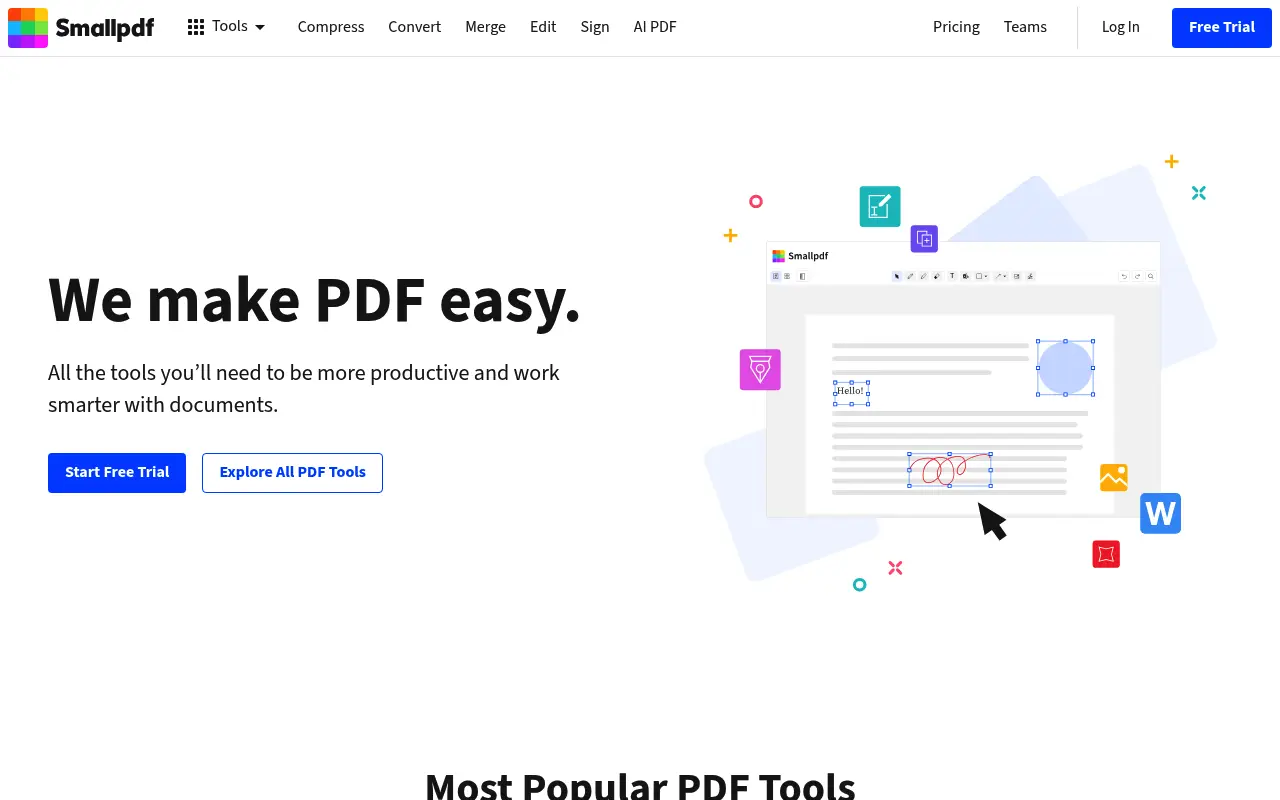
Smallpdf was founded in 2013 in Zurich, Switzerland, with a mission to make PDF tools simple and accessible. It quickly gained popularity by offering a clean, minimal web interface that stripped away the complexity of traditional PDF software. Today, Smallpdf serves over a billion users and has become one of the most recognizable names in the online PDF space. The company has expanded from a handful of basic tools to a platform with over 20 features, including e-signatures, a desktop app, and team collaboration features.
The typical Smallpdf user is someone who values good design and simplicity. Teachers preparing classroom materials, HR professionals processing employee documents, and small business owners who need occasional PDF work all gravitate toward Smallpdf because the interface makes tasks feel effortless. You pick a tool, drop in your file, and get a result. The experience is polished in a way that many competing web tools are not, with smooth animations, clear progress indicators, and a professional look that inspires confidence.
Smallpdf operates on a freemium model that limits free users to two tasks per day. This is enough for occasional use, but anyone with regular PDF needs will quickly hit the wall and face a choice: wait until tomorrow or subscribe to Pro at $12 per month ($108 per year). The Pro plan unlocks unlimited tasks, batch processing, and removes ads. There is also a desktop app, but it still relies on cloud processing for many operations, blurring the line between local and online processing.
The privacy model follows the same pattern as most cloud PDF tools. Files are uploaded to Smallpdf's servers in Switzerland and Europe, processed, and then deleted after one hour. While Swiss privacy standards are high, the upload itself is the sticking point for users who cannot or prefer not to send sensitive documents to external servers. The two-task daily limit on the free plan also means that anyone with a real workload is effectively forced into a subscription, making the overall cost higher than it initially appears.
There is also a cost consideration that often gets overlooked. Smallpdf Pro at $12 per month adds up to $144 per year at monthly billing, or $108 when billed annually. Over two years, that is $216 to $288. File Studio's lifetime license at $29 delivers comparable core functionality for a fraction of the cost. Even Smallpdf's free tier has a hidden cost in the form of the time you spend waiting when you hit the two-task limit, finding workarounds, or returning the next day to finish a batch of files that needed processing today.
Side-by-side comparison
File Studio vs Smallpdf
| Feature | Smallpdf | File Studio |
|---|---|---|
| Works offline | Desktop app available, but many features need the cloud | Yes, fully offline |
| File privacy | Files uploaded to Smallpdf servers (deleted after processing) | Files never leave your device |
| Requires account | Yes, for most features beyond two free tasks per day | No account required |
| Daily task limits | Two free tasks per day; Pro removes the limit | No limits on tasks or files |
| Pricing model | $12/month (billed annually at $108/year) | $29 one-time or $15/year |
| User interface | Polished, minimal web UI | Clean native desktop app |
| Image conversion tools | Limited to JPG-to-PDF and PDF-to-JPG | Comprehensive: HEIC, WebP, PNG, JPG conversions plus editing |
Why switch
What you get with File Studio instead
No two-task-per-day cap. Process as many files as you need without watching a counter.
Your documents stay on your hard drive, which matters for NDAs, medical records, and financial statements.
Smallpdf Pro costs $108/year. File Studio's $29 one-time price pays for itself in under four months.
Includes image tools that Smallpdf does not offer, like HEIC conversion, image resizing, watermarking, and collage creation.
Works without Wi-Fi, so you are never blocked by a slow or missing internet connection.
Pricing
Smallpdf's free tier limits you to two tasks per day, which is too restrictive for real work. Their Pro plan costs $12 per month or $108 when billed annually. File Studio is $29 for a lifetime license. Even the annual plan at $15/year is a fraction of what Smallpdf charges.
In-depth look
Feature breakdown: Smallpdf vs File Studio
PDF tools comparison
Smallpdf's PDF tools cover merging, splitting, compressing, converting, rotating, signing, and protecting PDFs. The compression tool is particularly effective, offering a single-click solution that consistently produces smaller files without noticeable quality loss. Their merge tool supports reordering pages and combining documents from different sources. The split tool lets you extract specific pages or split a document into individual pages.
File Studio matches Smallpdf on the core operations: merge, split, compress, and convert. Both tools deliver clean results for these everyday tasks. Where Smallpdf adds value is in its e-signature feature, its PDF reader with annotation, and its integration with cloud storage services like Google Drive and Dropbox. File Studio does not include e-signatures or cloud integrations, but it compensates with unlimited usage, no account requirement, and the privacy of local processing.
Compression quality is comparable between the two tools. Smallpdf has invested heavily in their compression algorithms, and File Studio's local compression engine produces similar file size reductions. The practical difference is speed: File Studio processes files instantly on your machine, while Smallpdf requires uploading, server-side processing, and downloading. For large files or slow internet connections, the time savings with File Studio are significant.
The daily task limit is worth examining in practical terms. If you need to merge three documents, compress the result, and then convert it to images, that is three tasks on Smallpdf's free tier, which hits the daily cap before you finish your workflow. You would need to wait until the next day or pay for Pro to complete what should be a five-minute job. File Studio has no such limits. You can chain operations freely, processing as many files through as many tools as your workflow requires, all in a single sitting without artificial restrictions.
Image handling
Smallpdf's image capabilities are narrow. The tool can convert JPG images to PDF and PDFs to JPG images, but that is the extent of its image support. There is no image resizing, no format conversion beyond JPG, no compression specifically for images, and no editing features. If you need to convert a PNG to WebP or resize a batch of photos, you need a different tool entirely.
File Studio includes a comprehensive image toolkit that covers format conversion between JPG, PNG, WebP, HEIC, and other formats. There are dedicated tools for image compression with quality controls, batch resizing with aspect ratio preservation, cropping, watermarking with text or image overlays, and collage creation. For users who work with both documents and images, having everything in a single application reduces context-switching and eliminates the need to find separate web tools for each task.
The HEIC conversion feature in File Studio is especially relevant for users who transfer photos from iPhones to Windows PCs. Smallpdf does not handle HEIC files at all, so those users would need yet another tool. File Studio handles the conversion locally, preserving metadata and offering quality controls that most online HEIC converters lack.
Another dimension worth considering is batch efficiency. Smallpdf's image conversion processes files one at a time through a web interface, which is fine for a handful of images but impractical for processing folders of photographs. File Studio's batch processing handles hundreds of images in a single operation, applying consistent settings across the entire batch. For photographers, e-commerce teams, or anyone who works with large numbers of images, the batch capability combined with local processing speed represents a fundamental workflow improvement.
Privacy and data handling
Smallpdf takes privacy seriously relative to other online tools. Their servers are located in Switzerland and the EU, and they comply with GDPR and Swiss data protection laws. Files are encrypted with TLS during transfer, processed on their servers, and automatically deleted after one hour. They also offer an option to delete files immediately after processing. For an online service, these are strong privacy practices.
Despite these measures, the fundamental issue remains: your files leave your computer and travel to external servers. For many use cases, this is perfectly acceptable. For others, such as law firms bound by attorney-client privilege, healthcare organizations under HIPAA, or companies with strict data governance policies, any external processing is a non-starter. The question is not whether Smallpdf handles your data responsibly, but whether your workflow allows files to leave your device at all.
File Studio removes this question entirely. Processing happens on your local hardware, in your local memory, writing results to your local disk. There is no network traffic, no server involvement, and no retention policy to evaluate because no external party ever touches your files. For users who can accept cloud processing, Smallpdf is a fine choice. For users who cannot, File Studio provides the same core capabilities without the privacy tradeoff.
Honest take
What you give up by switching
- *File Studio requires installation on your computer, whereas Smallpdf works instantly from any browser on any device.
- *Smallpdf offers e-signature functionality that File Studio does not include.
- *Smallpdf's desktop app syncs with cloud storage services like Google Drive and Dropbox, which File Studio does not integrate with.
- *Smallpdf's interface is widely praised for its design polish, and while File Studio's interface is clean, it does not have the same level of visual refinement.
- *Smallpdf's free tier lets you complete two tasks per day without paying anything, giving users a way to test every feature before committing.
Decision guide
Which tool is right for you?
You need e-signatures alongside PDF editing in a single platform
Use Smallpdf. Its built-in signing feature is convenient and well-integrated, and File Studio does not offer this.
You handle sensitive documents and want zero cloud involvement
Use File Studio. Local-only processing means no data leaves your machine, regardless of the document's sensitivity level.
You only need PDF tools once or twice a week and prefer not to install software
Smallpdf's free tier covers two tasks per day, which may be sufficient for light, non-sensitive use.
You process dozens of PDFs and images daily and want no usage caps or recurring costs
Use File Studio. Unlimited processing with a one-time $29 price beats Smallpdf Pro's $108 annual subscription.
You need to work on both Mac and Windows with the same tool
Use File Studio. It provides identical functionality on both platforms, while Smallpdf's desktop app has historically been more limited on certain operating systems.
Pricing
Simple, fair pricing.
All tools included. No hidden fees. Processing stays on your device.
Yearly
For short-term projects.
- 1 year of updates
- Image, PDF, SVG, and spreadsheet tools
- Works on Mac & Windows
- All processing done on device
Lifetime
One purchase. Keep it forever.
- Unlimited conversions forever
- 1 year of major updates
- Image, PDF, SVG, and spreadsheet tools
- Watch Folders & Automation
- macOS Notch Drop Zone
- Works on Mac & Windows
Team & Bulk Pricing
Lifetime seats with volume discounts. More seats, bigger discount.
15
lifetime seats
You save
$60
15% off the individual price
Enterprise
50+ seats with custom pricing, centralized license management, and priority support.
FAQ
Frequently asked questions
Smallpdf has a desktop app. How is File Studio different?→
Smallpdf's desktop app still relies on cloud processing for many of its tools. File Studio processes everything locally with no cloud dependency at all. If you disconnect from the internet, File Studio keeps working; Smallpdf's desktop app will lose functionality.
I like Smallpdf's clean design. Is File Studio easy to use too?→
Yes. File Studio uses a straightforward drag-and-drop interface. While Smallpdf's web design is excellent, File Studio's native desktop app is also clean and responsive, with the added benefit of faster processing since files are handled locally.
Does File Studio support e-signatures like Smallpdf does?→
File Studio does not include an e-signature feature. If e-signatures are essential to your workflow, you might need a dedicated signing tool alongside File Studio.
Can I switch from Smallpdf to File Studio mid-subscription?→
Yes. You can start using File Studio immediately after purchasing. There is no migration process since both tools work with standard PDF and image files.
How do compression results compare?→
Both tools produce well-compressed PDFs. Smallpdf offers multiple compression levels, and File Studio does the same. The visual quality and file sizes are comparable for most documents.
Does File Studio work on Linux?→
File Studio currently supports macOS and Windows. Linux is not supported at this time.
@ayysoni · January 8, 2026
Related File Studio tools you might find useful:
Compare File Studio with other tools: