

PNG to BMP converter
PNG to BMP - Produce raw BMP bitmaps from PNG files for legacy and specialized needs.
Certain legacy applications, embedded firmware, and industrial systems require uncompressed BMP input. File Studio converts your PNG images to BMP locally, ensuring compatibility with older or specialized workflows while keeping files on your device.
Works 100% offline on both Windows and Mac.
All conversions happen locally on your computer. No uploads, no subscriptions, and no background syncing.
PNG → BMP
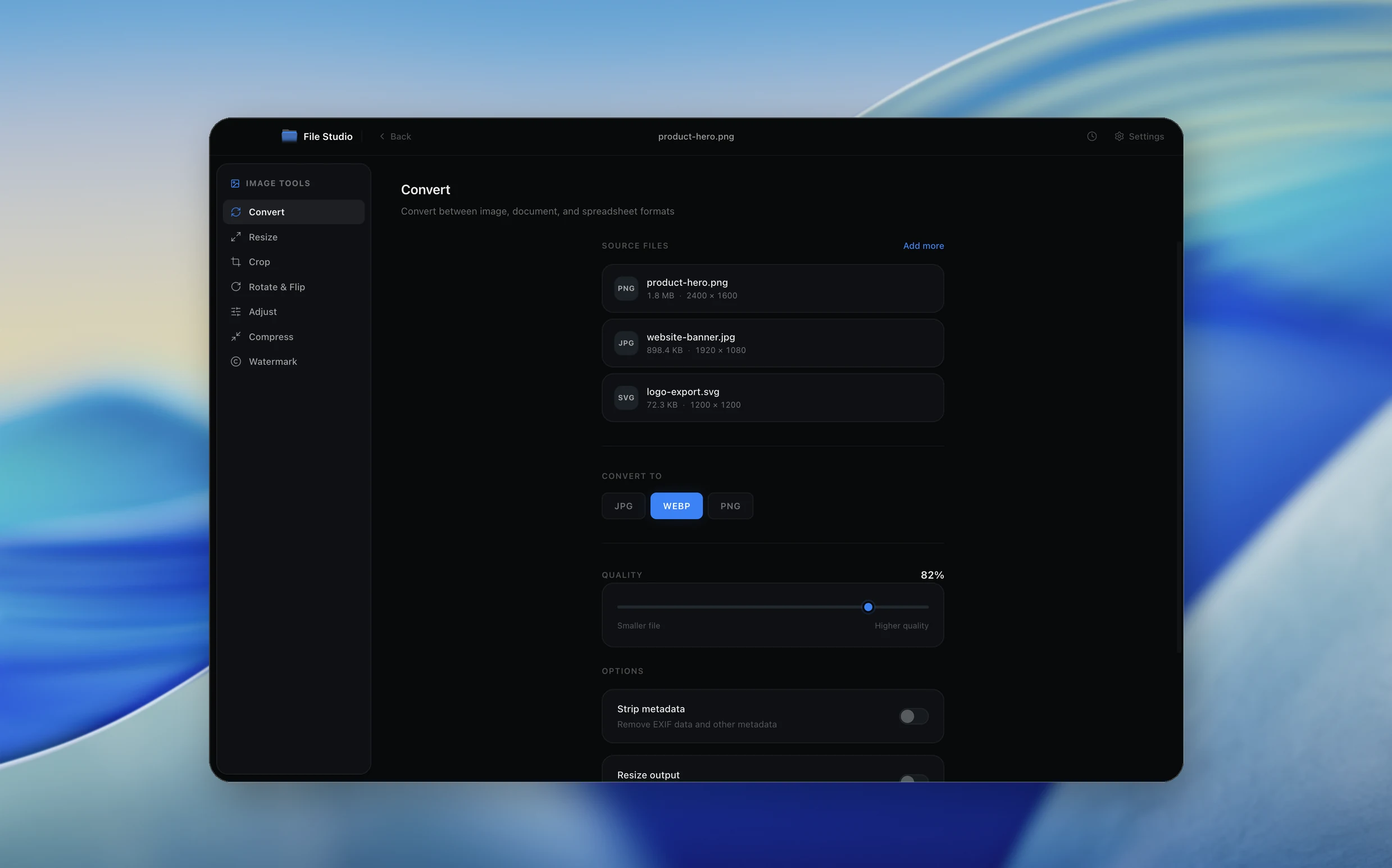
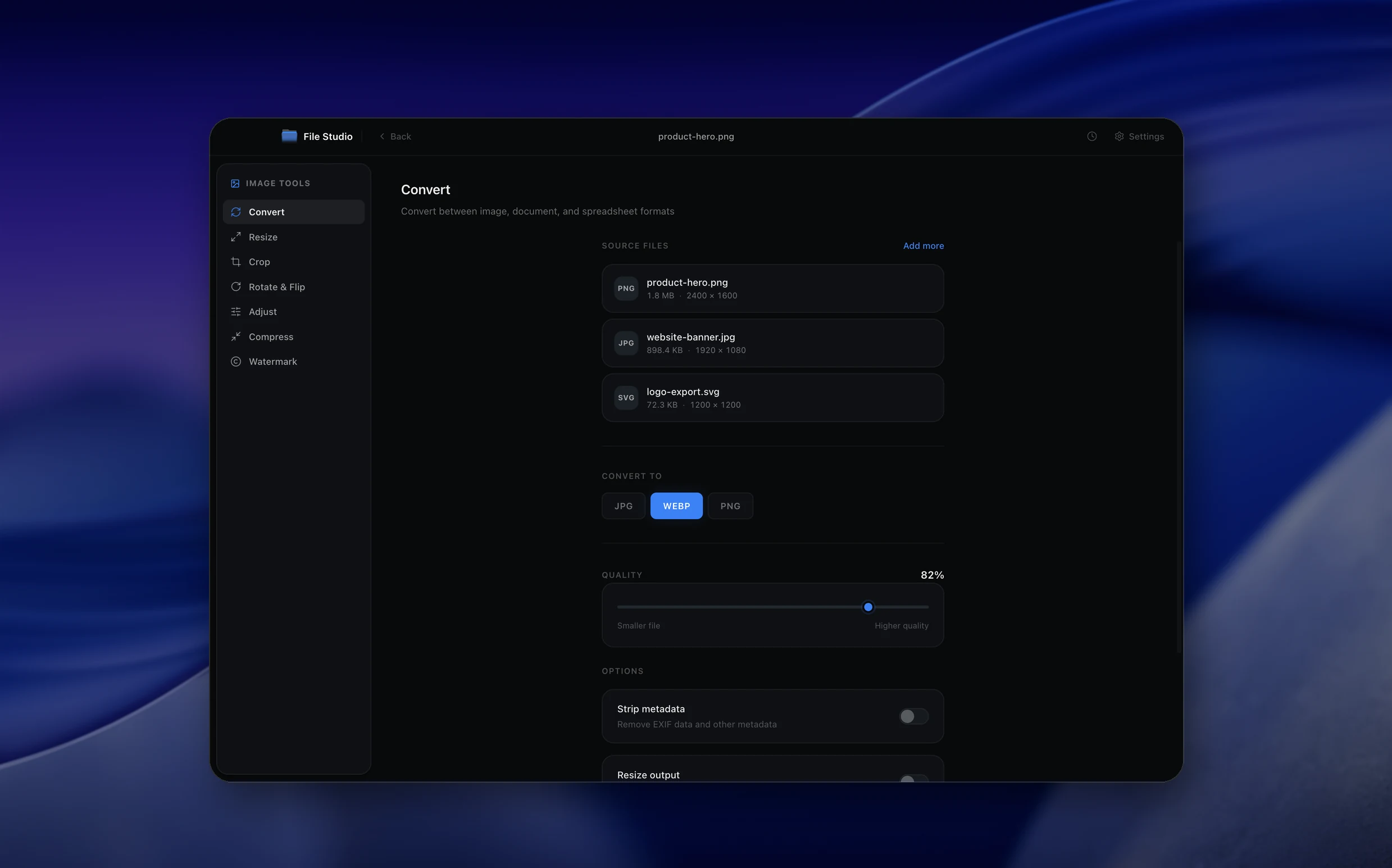
Real File Studio interface, shown in light and dark mode.
Understanding the BMP format
BMP (Bitmap) is a raster format introduced by Microsoft for OS/2 and Windows in the late 1980s. It stores pixel data in a straightforward header-plus-array layout with optional run-length encoding (RLE) compression for 4-bit and 8-bit indexed images. The vast majority of BMP files in the wild use no compression at all and store every pixel explicitly, which makes the format simple to parse but produces very large files compared to modern alternatives.
BMP supports 1, 4, 8, 16, 24, and 32 bits per pixel. The 32-bit variant can carry an alpha channel, although many older readers ignore it. Color is stored bottom-up by convention, a quirk inherited from the original Windows GDI bitmap layout. There is no built-in support for color profiles, animation, multiple pages, or modern features such as wide gamut color.
PNG is a lossless compressed format using DEFLATE, while BMP is typically uncompressed. Converting PNG to BMP therefore expands file size dramatically. A 1 MB PNG of a typical photograph can become a 10 MB or larger BMP because every pixel is stored with no compression. The conversion is useful when targeting legacy Windows software, embedded systems, scientific instruments, or industrial control panels that only accept BMP input.
How it works
Convert PNG to BMP in four simple steps.
The flow mirrors the main File Studio experience: install the app, drop in your files, pick the right tool, and export clean, ready-to-share output. All without sending anything to the cloud.
Install File Studio
Download the app, move it to Applications, and open it. No sign-ups or accounts required.
Add your PNG files
Drag-and-drop your png files into the window or click to browse from disk.
Choose PNG → BMP
Pick the dedicated tool, then adjust resolution, quality, and page range until the preview feels right.
Export & keep working
Select an output folder and run the conversion. Your originals stay untouched on your device.
Best practices for cleaner results
- ·Group related files into folders before converting so your output stays organized and easy to archive.
- ·Use higher resolution presets when you know the result will be printed, zoomed in, or reused in design tools.
- ·Keep an unedited copy of your original PNG files for audits, record-keeping, or compliance workflows.
- ·Combine this tool with other File Studio actions like compress, merge, or split to streamline entire document pipelines.
Why File Studio
Built for trustworthy, everyday PNG to BMP work.
You get precise control over the output, predictable file names, and a private workflow that keeps sensitive documents on your own machine.
Features tuned for this conversion
- ·24-bit RGB and 32-bit RGBA BMP output options.
- ·Configurable background color for PNG transparency when outputting to 24-bit BMP.
- ·Batch conversion for processing entire folders of PNG files.
Why use File Studio for this conversion?
- ·Output uncompressed BMP data that legacy systems can read directly.
- ·Choose 24-bit or 32-bit output depending on your target system.
- ·Process entirely offline for air-gapped and industrial environments.
Real-world ways people use it
- ·Generate BMP textures from PNG source files for older game engines.
- ·Produce uncompressed BMP input for legacy industrial inspection cameras.
- ·Create BMP boot splash images for embedded systems that require raw bitmap format.
Settings guide
Understanding your conversion options
Bit Depth
Choose 24-bit for full RGB color without transparency, 32-bit to preserve the alpha channel from the source PNG, or 8-bit indexed for the smallest file size when the image has 256 or fewer distinct colors. 1-bit is suitable only for monochrome line art.
RLE Compression
BMP supports run-length encoding for 4-bit and 8-bit indexed images. Enable RLE to shrink files containing large runs of the same color. RLE is not available for 24-bit or 32-bit BMPs, which always remain uncompressed.
Background Flattening
If the PNG has transparency and the BMP target is 24-bit (no alpha), the transparent regions must be flattened against a background color. Choose white for documents, black for technical instrumentation, or match the destination interface color.
Color Palette (for indexed output)
When converting to 8-bit indexed, the converter generates a palette of up to 256 colors. Use median cut or octree quantization for photographic content, or a fixed web-safe palette for graphics with discrete colors.
Row Order
Standard BMPs are stored bottom-up. Some modern variants support top-down row order using a negative height value. Bottom-up is the safest choice for compatibility with legacy software and older Windows APIs.
Industry standards and requirements
Industrial automation and machine vision systems running on Windows commonly require BMP input because the format is trivial to parse without external libraries. Programmable logic controllers, HMI panels, and older inspection cameras frequently document BMP as the only supported image format. Converting PNG assets to 24-bit uncompressed BMP guarantees compatibility with these environments.
Embedded GUI frameworks for microcontrollers (such as Microchip Graphics Library, STM32 TouchGFX, and Segger emWin) often consume BMP because the file structure maps directly to a frame buffer copy. Storage cost is real on flash-constrained devices, so 8-bit indexed BMPs with carefully chosen palettes are typical.
Forensic and evidence imaging in some legal jurisdictions still mandates uncompressed BMP or TIFF to avoid any suggestion of post-capture manipulation. PNG, despite being lossless, is sometimes excluded by policy because its compression step is opaque to non-technical reviewers. A direct PNG to uncompressed BMP conversion satisfies these procedural requirements.
Troubleshooting
Common issues and how to fix them
BMP file is enormous→
This is inherent to the format. Uncompressed 24-bit BMP requires 3 bytes per pixel with no compression, so a 4000 by 3000 image consumes 36 MB regardless of content. Consider 8-bit indexed output if the image has limited colors, or use a different format if file size matters.
Image appears upside down→
The reader is interpreting bottom-up row order incorrectly, or the writer produced top-down rows that the reader does not recognize. Re-export with standard bottom-up layout for maximum compatibility.
Transparency is missing→
Most BMP readers ignore the alpha channel even when 32-bit is used. If transparency is essential, BMP is not the right target format. PNG or TIFF preserves alpha reliably.
Colors are reduced or banded→
8-bit indexed output is limited to 256 colors. Switch to 24-bit or 32-bit to preserve the full color range from the source PNG.
Pricing
Simple, fair pricing.
All tools included. No hidden fees. Processing stays on your device.
Yearly
For short-term projects.
- 1 year of updates
- Image, PDF, SVG, and spreadsheet tools
- Works on Mac & Windows
- All processing done on device
Lifetime
One purchase. Keep it forever.
- Unlimited conversions forever
- 1 year of major updates
- Image, PDF, SVG, and spreadsheet tools
- Watch Folders & Automation
- macOS Notch Drop Zone
- Works on Mac & Windows
Team & Bulk Pricing
Lifetime seats with volume discounts. More seats, bigger discount.
15
lifetime seats
You save
$60
15% off the individual price
Enterprise
50+ seats with custom pricing, centralized license management, and priority support.
FAQ
Frequently asked questions
Why would I need BMP when PNG is more modern?→
Some legacy systems, embedded devices, game engines, and industrial software only accept BMP input. Converting to BMP ensures compatibility with these platforms.
Will the BMP file be much larger?→
Yes. BMP stores raw pixel data without compression, so a 500 KB PNG might become a 5-10 MB BMP. This is expected and necessary for systems that require uncompressed bitmap data.
What happens to PNG transparency?→
If you export as 32-bit BMP, the alpha channel is preserved. For 24-bit BMP (no alpha), transparent areas are filled with a configurable background color, defaulting to white.
Can I convert many PNGs at once?→
Yes. File Studio supports batch conversion so you can process an entire folder of PNG files to BMP in one operation.
Is this offline?→
Yes. Everything runs on your local Mac or Windows machine. No internet connection is needed and no files leave your device.
Looking for something else? Explore more offline conversions with File Studio: