

Comparison
Foxit PDF vs PDF Expert: breadth versus Mac-native polish.
Foxit PDF Editor covers every platform. PDF Expert is designed exclusively for Apple devices. Both are serious PDF editors, but they cater to different user profiles. This comparison breaks down which is better for your setup, and where File Studio fits for simpler needs.
What is Foxit PDF Editor?
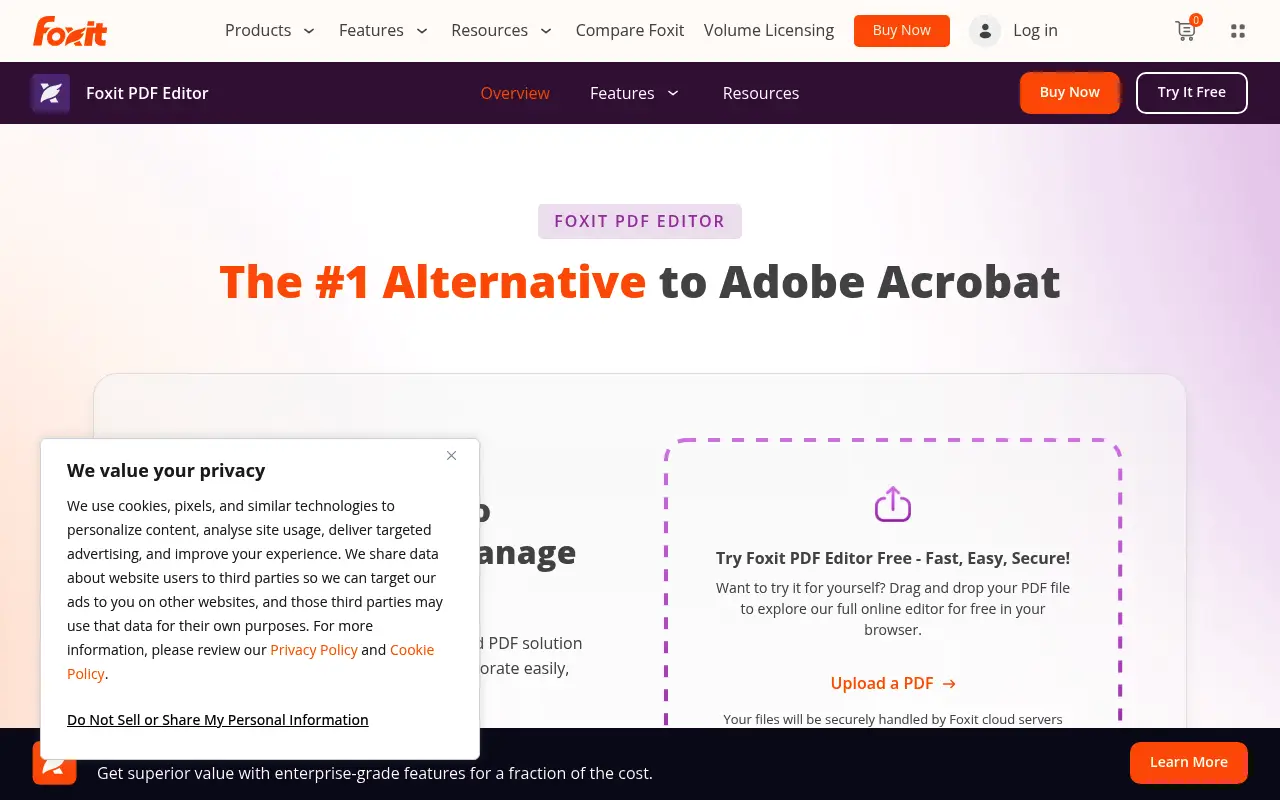
Foxit PDF Editor provides a comprehensive editing experience across Mac, Windows, Linux, iOS, and Android. It includes text editing, annotations, form creation, OCR, redaction, and cloud collaboration. The ribbon-style toolbar offers access to a deep feature set.
On Mac, Foxit works well but does not feel as native as apps built specifically for macOS. The interface leans heavily on Windows conventions, which can feel unfamiliar to Mac-first users.
What is PDF Expert?
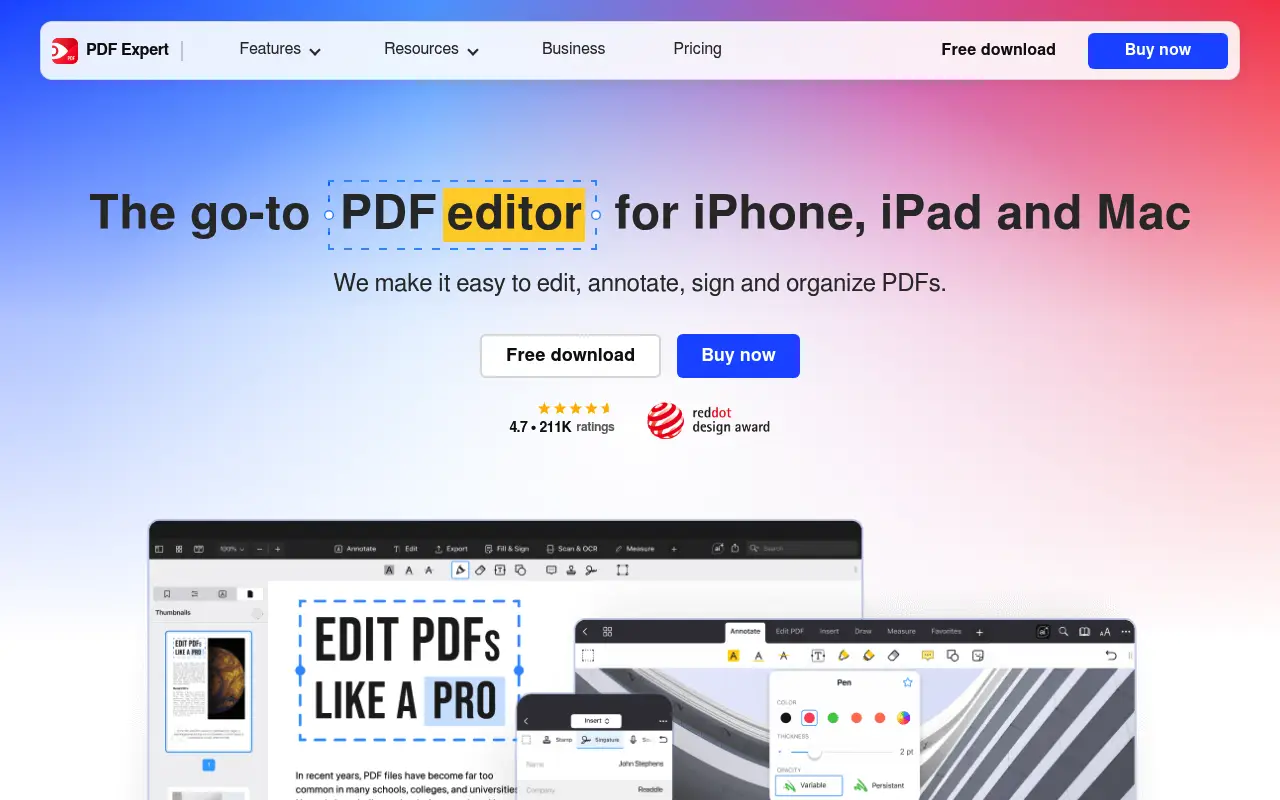
PDF Expert by Readdle is built exclusively for Mac and iOS. It is widely regarded as the most intuitive PDF editor on Apple platforms, with fast rendering, smooth scrolling, and deep system integration including Handoff and iCloud sync.
PDF Expert supports text editing, annotations, form filling, page management, and file conversion. It is priced at around $80/year or available as a one-time purchase, making it significantly cheaper than Acrobat.
The trade-off is clear: PDF Expert offers a superb Mac experience but has no Windows or Linux version. If you work across platforms, it cannot serve your entire workflow.
A closer look at Foxit PDF
Foxit PDF pricing and plans
Foxit PDF Editor Pro is available as a subscription ($160/year) or perpetual license ($170 approximately). The Standard edition costs less but drops OCR, redaction, and advanced editing features. Volume licensing is available for teams of five or more.
Foxit's cross-platform pricing covers Windows, Mac, and Linux, though a single license typically activates on one operating system. Users who need to run Foxit on multiple platforms may need separate licenses.
The Foxit PDF Editor Cloud at approximately $7/user/month provides a lighter, web-based alternative for users who do not need the full desktop feature set but want cloud-based collaboration.
Foxit PDF core strengths
Foxit's comprehensive feature set rivals Adobe Acrobat's while costing significantly less. OCR, redaction, form creation, digital signatures, Bates numbering, and document comparison are all available. This makes it a genuine professional-grade alternative.
The ConnectedPDF ecosystem adds intelligence to documents. Tracking who opens, prints, or forwards a document provides accountability features that few PDF editors match. For organizations managing sensitive documents, this visibility is valuable.
Multi-platform support means teams can standardize on one PDF editor across Windows, Mac, and Linux. This simplifies IT management, training, and license procurement compared to using different tools on different operating systems.
Foxit PDF known limitations
The Mac version of Foxit, while functional, has historically lagged behind the Windows version in feature parity. Some advanced features arrive on Mac months after their Windows release. Users choosing Foxit specifically for Mac should verify that the features they need are available.
The learning curve is steeper than PDF Expert's. Foxit's ribbon interface exposes many features simultaneously, which can overwhelm new users. Finding specific tools requires familiarity with the menu structure.
Updates can occasionally introduce stability issues. Users have reported that major version updates sometimes cause compatibility problems with existing plugins or break specific workflows until a patch is released.
A closer look at PDF Expert
PDF Expert pricing and plans
PDF Expert is available for approximately $80/year subscription or $140 perpetual license. It is also included in Setapp, a Mac app subscription service at around $10/month that bundles dozens of applications. The Setapp option is exceptional value if you use other apps in the bundle.
iOS and iPadOS versions are included with the subscription or available separately. The pricing covers all Apple platforms with a single purchase, which simplifies the buying decision for Apple ecosystem users.
There is no Windows version, Linux version, or web-based offering. PDF Expert is exclusively for Apple platforms. This focus enables deep platform optimization but limits the addressable market.
PDF Expert core strengths
PDF Expert is widely considered the best-designed PDF application on Mac. It follows Apple's Human Interface Guidelines, supports native features like Quick Look, Handoff, and Focus modes, and integrates seamlessly with the macOS file system. The experience feels like a first-party Apple app.
Apple Pencil support on iPad is class-leading. Annotation with the Pencil feels natural, with pressure sensitivity, palm rejection, and smooth ink rendering. For students, researchers, and professionals who annotate documents on iPad, this is a standout feature.
Text editing capabilities cover inline modifications to existing PDF text. You can change fonts, sizes, colors, and content directly. While not as robust as Foxit's or Acrobat's editing engines, it handles common editing tasks effectively for most users.
PDF Expert known limitations
No OCR capability means scanned documents cannot be made searchable or editable through PDF Expert. Users who process scanned documents regularly need a separate OCR solution or a different PDF editor entirely.
Form creation is absent. PDF Expert can fill existing forms but cannot create interactive form fields, dropdowns, or checkboxes from scratch. This limits its utility for organizations that build PDF forms.
No redaction tool means PDF Expert cannot permanently remove sensitive information from documents. You can annotate over content, but this does not truly delete the underlying data, which is a security concern in regulated industries.
Feature comparison
Foxit PDF vs PDF Expert vs File Studio
| Feature | Foxit PDF | PDF Expert | File Studio |
|---|---|---|---|
| Platform support | Mac, Windows, Linux, iOS, Android | Mac and iOS only | Mac and Windows |
| Pricing | ~$15/month or perpetual license | ~$80/year or one-time purchase | $29 one-time or $9.97/year |
| Mac experience | Functional but not Mac-native feel | Excellent, built for macOS | Good native Mac app |
| PDF editing depth | Full editing, forms, redaction, OCR | Text editing, annotations, form filling | Merge, split, compress, convert, remove passwords |
| OCR capability | Strong multi-language OCR | Basic OCR | No built-in OCR |
| Speed / performance | Good, lighter than Acrobat | Excellent on Mac, very fast rendering | Lightweight and fast on both platforms |
| Privacy / files stay local | Local with optional cloud sync | Local with optional iCloud sync | Always local, no cloud component |
| Image tools | Minimal | None | Full image suite: resize, compress, convert, watermark |
Verdict
Which tool should you pick?
Mac-only users who want the best editing experience should choose PDF Expert. Its macOS integration is unmatched. Users who need cross-platform support or advanced features like OCR and redaction should choose Foxit. For everyday PDF tasks (merge, split, compress) plus image editing, File Studio covers the essentials on both platforms at a far lower cost.
Pricing breakdown
What you actually pay over time
Foxit PDF Editor Pro at $160/year (or $170 perpetual) versus PDF Expert at $80/year (or $140 perpetual) presents a clear price advantage for PDF Expert. Over three years, Foxit's subscription costs $480 versus PDF Expert's $240, a saving of $240. With perpetual licenses, Foxit at $170 versus PDF Expert at $140 saves $30.
The value equation depends on feature needs. Foxit includes OCR, redaction, form creation, Bates numbering, and ConnectedPDF features that PDF Expert lacks. If you need any of these, Foxit's higher price is justified. If your needs center on reading, annotating, and basic editing, PDF Expert delivers sufficient capability at a lower cost.
File Studio at $29 once or $9.97/year provides basic PDF operations and image tools for Mac users who do not need either tool's editing depth. Over three years, File Studio saves $211 versus PDF Expert's subscription and $451 versus Foxit's subscription. It is the budget option for users who primarily merge, split, compress, and convert.
For Mac users through Setapp, PDF Expert becomes part of a broader value proposition. At $10/month ($120/year), the Setapp subscription includes PDF Expert alongside apps like CleanMyMac, Ulysses, Paste, and many others. If you use three or more Setapp apps, the effective cost of PDF Expert drops toward zero.
Decision guide
Which tool should you pick?
You are a Mac user who reads, annotates, and marks up PDFs extensively
Pick PDF Expert. PDF Expert's native Mac design, smooth scrolling, reading mode, and Apple Pencil support on iPad make it the best reading and annotation experience on Apple platforms.
You need OCR, redaction, or form creation in a PDF editor
Pick Foxit PDF. Foxit includes professional features like OCR, legally compliant redaction, and interactive form creation that PDF Expert does not offer. These features are necessary for legal, compliance, and enterprise workflows.
Your team uses both Mac and Windows machines
Pick Foxit PDF. Foxit runs natively on Mac, Windows, and Linux. PDF Expert is Apple-only, so a mixed-platform team cannot standardize on PDF Expert for everyone.
You want the cheapest way to get a quality PDF editor on Mac
Pick PDF Expert. Through Setapp at $10/month, PDF Expert is included alongside dozens of other Mac apps. Even as a standalone, its $80/year subscription or $140 perpetual license is significantly cheaper than Foxit.
You primarily need PDF and image operations without advanced editing
Pick File Studio. File Studio at $29 covers merge, split, compress, convert, and a full image toolkit. If you do not need inline text editing, OCR, or forms, it handles everyday tasks at a fraction of the cost.
The third option
Why File Studio might be a better fit
Works on both Mac and Windows, unlike PDF Expert, at a fraction of Foxit's price.
Perfect for users who need document operations but not full inline PDF editing.
Image editing suite (resize, compress, watermark, convert) fills a gap neither editor addresses.
No subscription model; $29 once or $9.97/year keeps costs predictable.
Pricing
Simple, fair pricing.
All tools included. No hidden fees. Processing stays on your device.
Yearly
For short-term projects.
- 1 year of updates
- Image, PDF, SVG, and spreadsheet tools
- Works on Mac & Windows
- All processing done on device
Lifetime
One purchase. Keep it forever.
- Unlimited conversions forever
- 1 year of major updates
- Image, PDF, SVG, and spreadsheet tools
- Watch Folders & Automation
- macOS Notch Drop Zone
- Works on Mac & Windows
Team & Bulk Pricing
Lifetime seats with volume discounts. More seats, bigger discount.
15
lifetime seats
You save
$60
15% off the individual price
Enterprise
50+ seats with custom pricing, centralized license management, and priority support.
FAQ
Frequently asked questions
Is PDF Expert the best PDF editor for Mac?→
For most Mac users, yes. PDF Expert combines a great interface, fast performance, and essential editing features. Acrobat is more powerful but far more expensive. Foxit is more feature-rich but does not feel as native on Mac.
Can Foxit edit PDFs on Linux?→
Yes. Foxit is one of the few professional PDF editors with a Linux version, making it a strong choice for Linux users who need more than basic PDF viewing.
Does PDF Expert support Windows?→
No. PDF Expert is available only on Mac and iOS. Windows users should consider Foxit, Nitro, or for simpler tasks, File Studio.
Which is better for annotating PDFs?→
Both are excellent for annotations. PDF Expert's annotation tools feel more fluid on Mac thanks to its native design. Foxit's annotation tools are comprehensive and work across all platforms.
Is File Studio good enough for basic PDF editing?→
File Studio handles document-level PDF operations well: merging, splitting, compressing, converting, and removing passwords. It does not edit text or images within a PDF. For those tasks, PDF Expert or Foxit is needed.
@ayysoni · June 18, 2026
Related File Studio tools:
More comparisons: