

Comparison
Smallpdf vs Sejda: polished interface versus privacy focus.
Smallpdf and Sejda are both popular web-based PDF tools, but they make different trade-offs. Smallpdf prioritizes a sleek user experience, while Sejda stands out with a genuine offline desktop app. This comparison covers the practical differences and how File Studio offers another offline path.
What is Smallpdf?
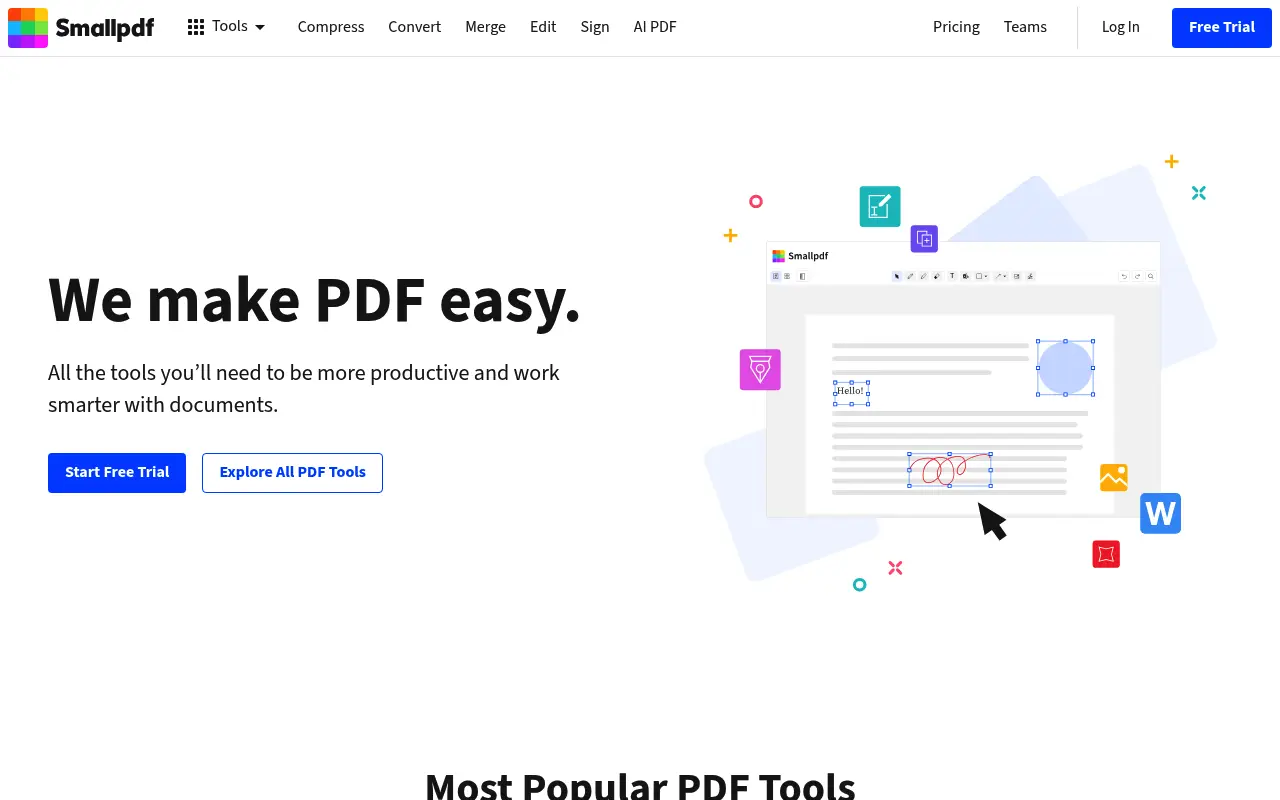
Smallpdf is known for its clean, modern interface that makes PDF tasks feel effortless. It covers merging, splitting, compressing, converting, editing, and e-signing. The design is polished and the workflow is intuitive.
Free users get 2 tasks per day. Pro ($12/month annual) removes limits, adds batch processing, and includes a desktop app. The desktop app, however, still relies on cloud processing for many operations.
What is Sejda?
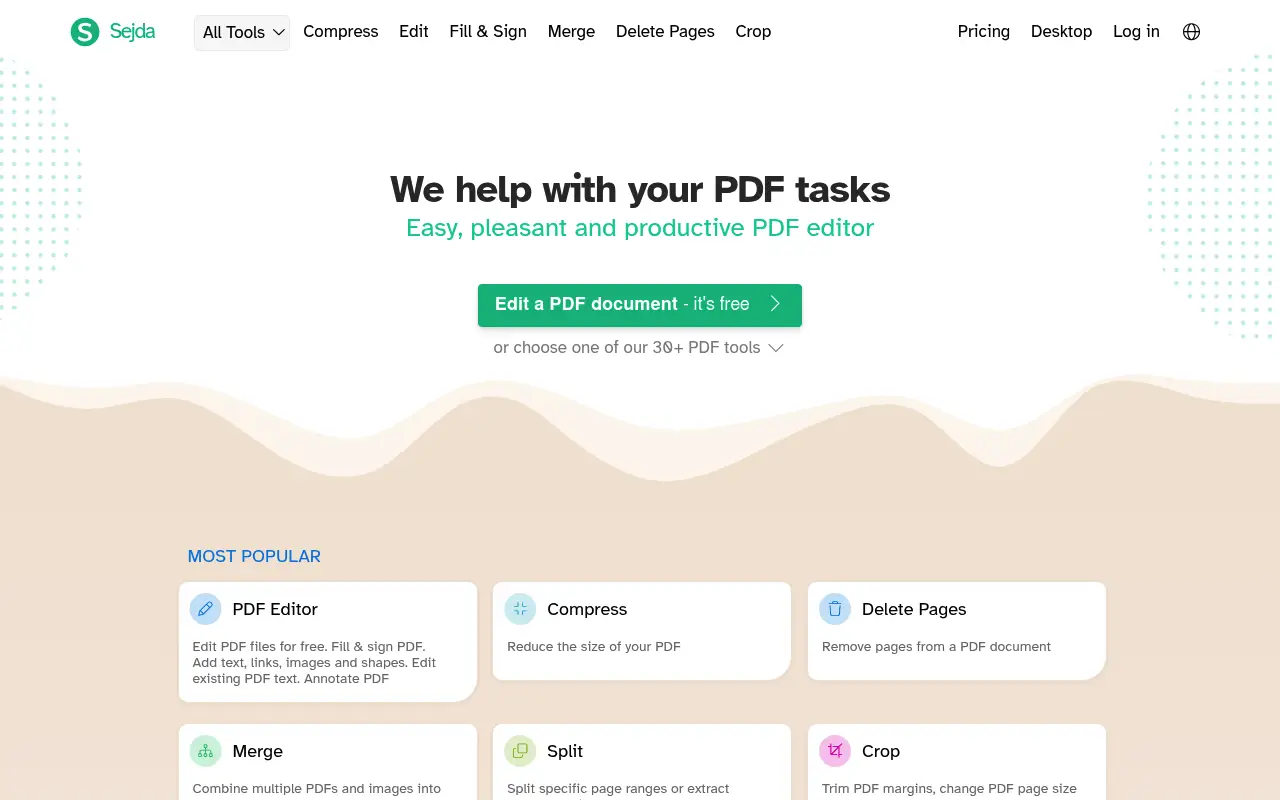
Sejda is a task-oriented PDF platform with a clean but more utilitarian interface. Each tool has its own page with clear options. The free tier allows 3 tasks per hour with 50 MB and 200-page limits.
Sejda's desktop app is its key differentiator. Unlike Smallpdf's desktop app, Sejda's processes files entirely on your computer without uploading them. The paid plan costs about $8/month or $63/year.
A closer look at Smallpdf
Smallpdf pricing and plans
Smallpdf Pro at $144/year ($12/month billed annually) is positioned as a premium web-based PDF tool. The free tier allows only two tasks per day, one of the most restrictive free offerings in the market. Month-to-month pricing of $18 makes casual monthly use expensive.
The Teams plan at $10/user/month (billed annually) adds shared workspaces and centralized billing. For organizations, this provides a managed environment for PDF tools, though the per-user cost still exceeds many alternatives.
Smallpdf does not offer a perpetual license or lifetime deal. The subscription model means costs accumulate indefinitely. A five-year user would spend $720 on Pro, which significantly exceeds the cost of perpetual alternatives.
Smallpdf core strengths
User experience is Smallpdf's most cited advantage. The interface is consistently praised for its cleanliness, intuitiveness, and speed. First-time users can complete tasks without any learning curve, which is valuable for non-technical team members.
The e-signature feature adds value beyond basic PDF operations. For teams that occasionally need documents signed digitally, having this integrated into the PDF platform eliminates the need for a separate e-signature service.
Smallpdf's Chrome extension and integrations with Google Drive, Dropbox, and cloud storage services create a connected workflow for users who live in the browser. Files can be imported from and exported to cloud storage without manual downloads.
Smallpdf known limitations
The two-task daily limit on the free plan is aggressively restrictive. Competitors like Sejda offer three tasks with larger file limits, and iLovePDF offers even more. This pushes users toward the $144/year subscription faster than competing platforms.
No true offline mode exists. The desktop app still sends files to Smallpdf's servers for processing. Users who need offline capabilities are not served by the desktop application despite the name suggesting local functionality.
Advanced PDF editing is superficial. You can add text and images, but editing existing content in a PDF is not possible with Smallpdf's tools. For anything beyond basic annotations and page management, you need a different application.
A closer look at Sejda
Sejda pricing and plans
Sejda's pricing is straightforward and budget-friendly. The free tier offers three tasks daily with 50 MB file and 200-page limits. The Web Week Pass at $5 for seven days provides affordable short-term access. The Desktop + Web perpetual license at $69 is a one-time purchase.
The annual subscription at $63/year is the cheapest recurring option. Combined with the perpetual alternative, Sejda gives users flexibility in how they pay, matching their usage patterns to the most cost-effective option.
No team plans or enterprise features keep Sejda simple. Individual users benefit from this focus, though organizations looking for managed PDF deployments will need to look elsewhere.
Sejda core strengths
The desktop application processes files locally, providing genuine offline capabilities. This is a concrete difference from Smallpdf, whose desktop app still depends on cloud processing. For privacy-sensitive work, Sejda's local processing is a significant advantage.
Sejda offers more editing depth than Smallpdf. Inline text editing, form filling, page cropping, grayscale conversion, and PDF flattening give users tools that Smallpdf does not provide. For users who need occasional editing beyond basic operations, Sejda covers more ground.
The $5 Web Week Pass is a unique pricing option that serves a specific but common need. Students finishing a thesis, freelancers wrapping up a project, or anyone with a short burst of PDF work can get unlimited access for a week without a monthly commitment.
Sejda known limitations
The user interface is functional but not visually refined. Compared to Smallpdf's polished design, Sejda feels more utilitarian. The homepage lists all tools in a grid without visual hierarchy, which can overwhelm new users.
No e-signature feature is available. Users who need documents signed digitally must use a separate service. This is a gap that Smallpdf fills within its own platform.
Mobile support is absent. There are no Sejda apps for iOS or Android, and the mobile web experience is not optimized. Users who frequently process PDFs from phones or tablets will find Smallpdf better suited.
Feature comparison
Smallpdf vs Sejda vs File Studio
| Feature | Smallpdf | Sejda | File Studio |
|---|---|---|---|
| Pricing | Free (2/day); Pro ~$12/month (annual) | Free (3/hour); Paid ~$8/month or $63/year | $29 one-time or $9.97/year |
| Free tier limits | 2 tasks per day | 3 tasks per hour; 50 MB, 200-page limits | No free tier; no limits after purchase |
| Works offline | Desktop app, but cloud-dependent | Desktop app processes files locally | Fully offline, always local |
| Privacy / files stay local | Files uploaded for processing | Web: uploaded; Desktop: fully local | Files never leave your device |
| Interface design | Very polished and modern | Clean but more utilitarian | Clean desktop interface |
| PDF editing depth | Basic text editing, annotations, e-sign | Basic text editing, annotations | File-level operations, password removal |
| Batch processing | Pro only | Paid plan only | Unlimited batch processing included |
| Image tools | Minimal; PDF-focused | None | Full image toolkit: resize, compress, convert, watermark, crop |
Verdict
Which tool should you pick?
Smallpdf offers the more enjoyable user experience with its polished design. Sejda wins on privacy with its local-processing desktop app and costs less on the paid plan. If you value a beautiful interface and do not mind cloud processing, Smallpdf is great. If privacy matters, Sejda's desktop app is a step up. File Studio goes even further by being fully offline with no cloud component at all, at a lower annual cost than either.
Pricing breakdown
What you actually pay over time
Smallpdf Pro costs $144/year while Sejda's annual subscription is $63/year, a difference of $81 annually. Over three years, Smallpdf totals $432 versus Sejda's $189, saving $243 with Sejda. If you opt for Sejda's perpetual license at $69, the three-year difference jumps to $363.
The free tier comparison favors Sejda. Three tasks per day with 50 MB files and 200 pages beats Smallpdf's two tasks per day with smaller file limits. For casual users who never want to pay, Sejda's free offering stretches further.
File Studio at $29 once or $9.97/year slots between these two on initial cost and beats both over time. Over three years, File Studio saves $403 versus Smallpdf and $40 versus Sejda's perpetual license while adding image editing tools. The trade-off is no e-signatures (versus Smallpdf) and no inline text editing (versus Sejda).
For users evaluating total value, Sejda's perpetual license at $69 plus File Studio at $29 provides offline PDF editing, PDF operations, and image tools for $98 total with no recurring costs. This combined purchase costs less than a single year of Smallpdf Pro.
Decision guide
Which tool should you pick?
You value a polished, intuitive interface above all else
Pick Smallpdf. Smallpdf's user experience is the best in class among web-based PDF tools. If interface quality and ease of use are your top priorities, the premium is justifiable.
You want the best value for a one-time purchase
Pick Sejda. Sejda's $69 perpetual license includes desktop offline processing and inline text editing. Over time, this is dramatically cheaper than Smallpdf's $144/year subscription.
You need offline PDF processing that genuinely works without internet
Pick File Studio. Smallpdf's desktop app still uses cloud servers. Sejda's desktop app works offline. File Studio also works offline and includes image tools for $29, the cheapest offline option.
You need e-signatures integrated into your PDF workflow
Pick Smallpdf. Smallpdf's built-in e-signature tool supports sending, signing, and tracking. Neither Sejda nor File Studio includes e-signature capabilities.
You have a week-long project with intensive PDF needs
Pick Sejda. Sejda's $5 Web Week Pass gives unlimited access for seven days. This is more cost-effective than paying for a month of Smallpdf Pro at $18 for short-term work.
The third option
Why File Studio might be a better fit
Fully offline processing with zero cloud dependency, going further than even Sejda's desktop app.
At $9.97/year or $29 one-time, it costs significantly less than Smallpdf Pro or Sejda's paid plan.
No task-per-day or task-per-hour restrictions.
Includes image editing tools that neither Smallpdf nor Sejda provide.
Pricing
Simple, fair pricing.
All tools included. No hidden fees. Processing stays on your device.
Yearly
For short-term projects.
- 1 year of updates
- Image, PDF, SVG, and spreadsheet tools
- Works on Mac & Windows
- All processing done on device
Lifetime
One purchase. Keep it forever.
- Unlimited conversions forever
- 1 year of major updates
- Image, PDF, SVG, and spreadsheet tools
- Watch Folders & Automation
- macOS Notch Drop Zone
- Works on Mac & Windows
Team & Bulk Pricing
Lifetime seats with volume discounts. More seats, bigger discount.
15
lifetime seats
You save
$60
15% off the individual price
Enterprise
50+ seats with custom pricing, centralized license management, and priority support.
FAQ
Frequently asked questions
Is Smallpdf or Sejda better for free users?→
Sejda is generally better for free users. Its 3 tasks per hour is more practical than Smallpdf's 2 tasks per day, and Sejda allows larger files (50 MB vs Smallpdf's smaller limit).
Does Smallpdf's desktop app work offline?→
Only partially. Smallpdf's desktop app requires cloud processing for many operations. Sejda's desktop app processes files entirely locally, making it the better choice for offline work.
Can Sejda edit text in a PDF?→
Yes, Sejda offers basic text editing within PDFs, allowing you to modify existing text and add new text. Smallpdf has similar basic editing capabilities.
Which tool costs less for a paid plan?→
Sejda at about $63/year is cheaper than Smallpdf Pro at about $144/year. File Studio at $29 one-time or $9.97/year is the most affordable option.
Do either of these tools support WebP image conversion?→
Neither Smallpdf nor Sejda supports WebP and SVG conversion. File Studio handles WebP, TIFF, BMP, and SVG natively, which is useful for working with iPhone photos.
@ayysoni · May 15, 2026
Related File Studio tools:
More comparisons: