

JPG to TIFF converter
JPG to TIFF - Move JPG photos into TIFF format for print and archival workflows.
Print shops, publishers, and archival systems often require TIFF. File Studio wraps your JPG photos into TIFF containers with your choice of compression, preserving the decoded pixel data at full resolution, all processed on your desktop.
Works 100% offline on both Windows and Mac.
All conversions happen locally on your computer. No uploads, no subscriptions, and no background syncing.
JPG → TIFF
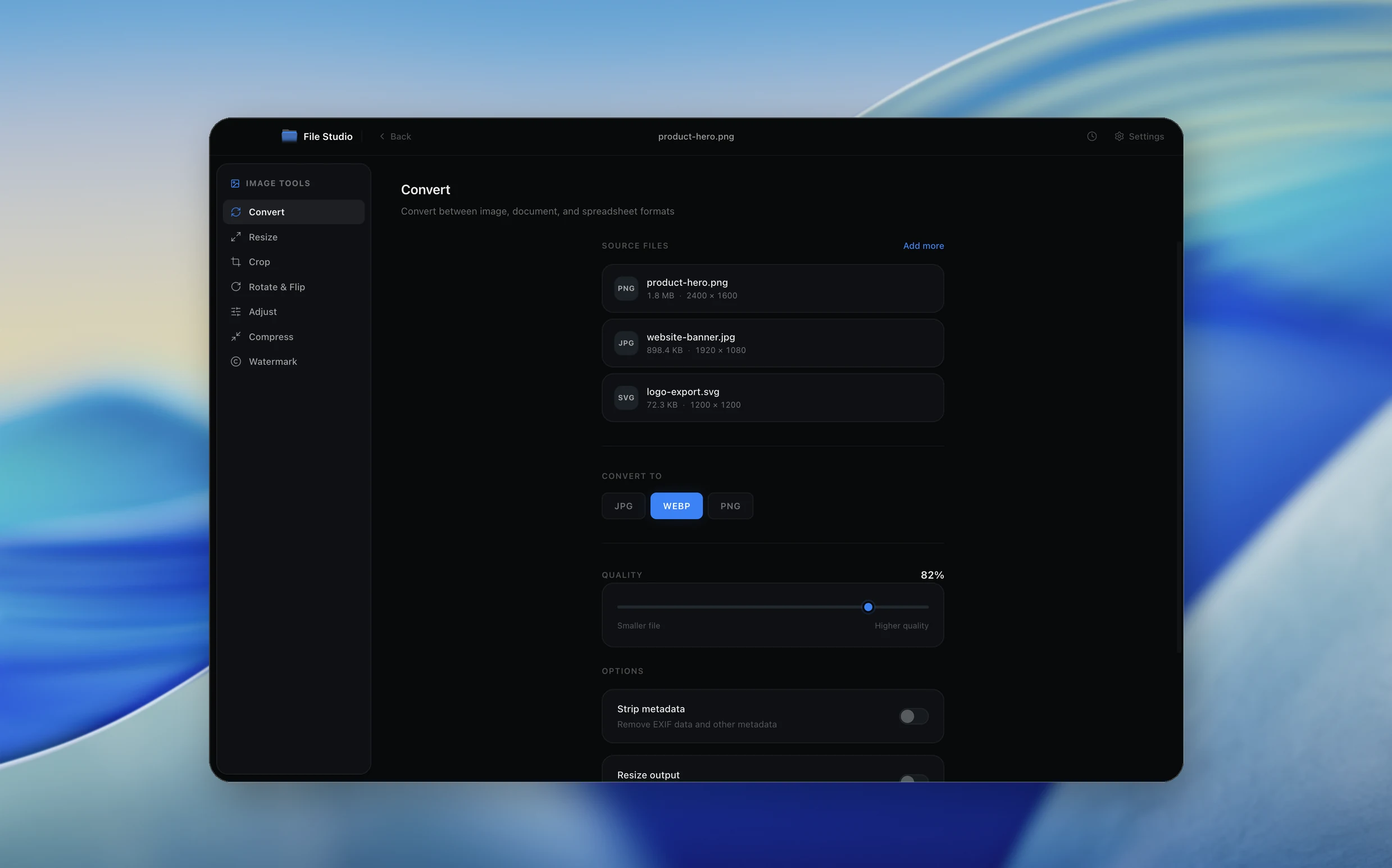
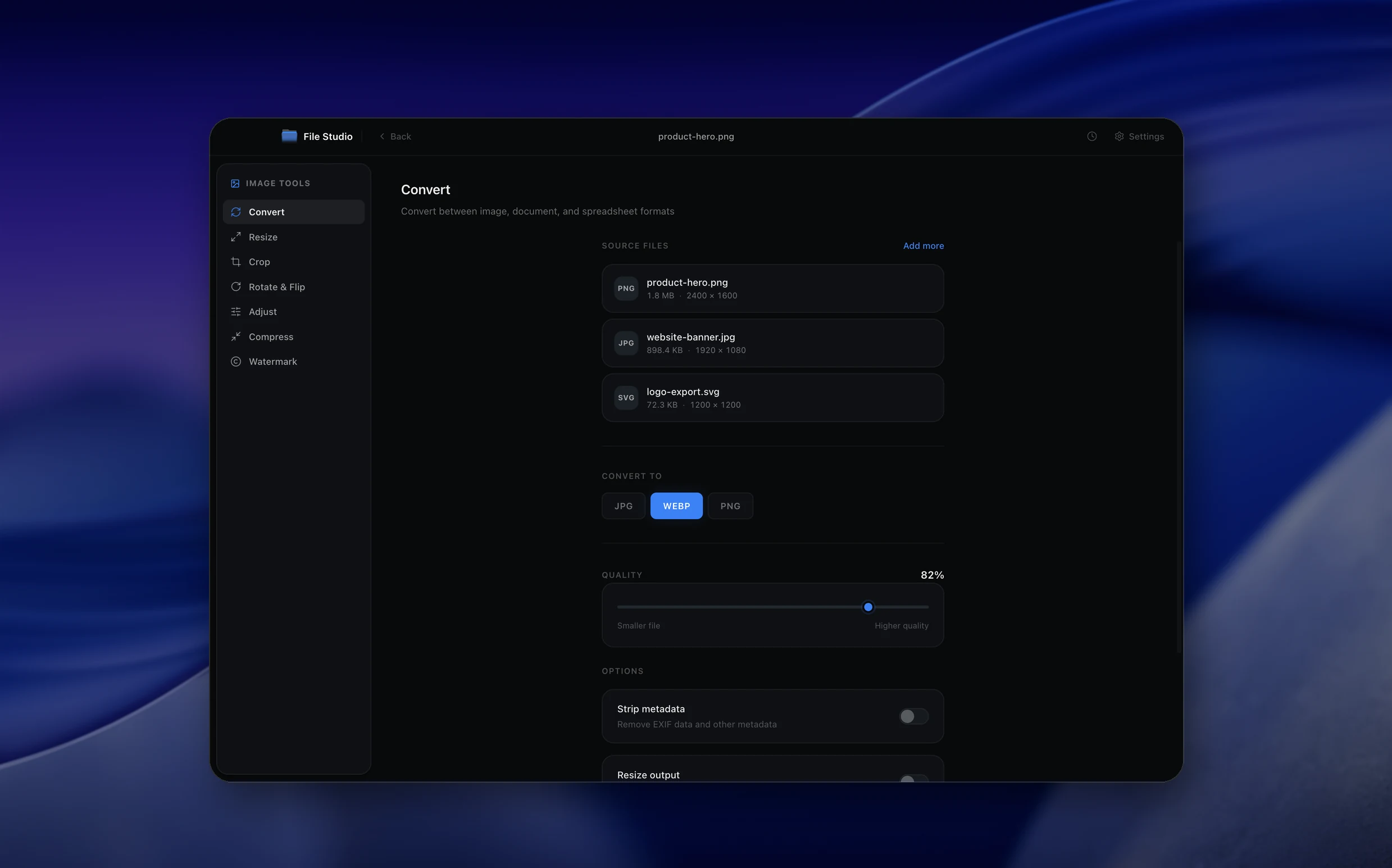
Real File Studio interface, shown in light and dark mode.
Understanding the TIFF format
TIFF (Tagged Image File Format) is an extensible raster container developed by Aldus in 1986 and now maintained by Adobe. It stores image data alongside a directory of tags that describe resolution, color space, bit depth, compression, metadata, and many other properties. Standardized profiles include ISO 12639 (TIFF/IT for prepress) and ISO 12234 (TIFF/EP for digital photography). TIFF supports 1 to 32 bits per channel, multi-page documents, alpha channels, embedded ICC profiles, and a choice of compression schemes including LZW, ZIP (DEFLATE), JPEG, and PackBits.
JPG is a lossy DCT-based format that throws away information during encoding to achieve compact file sizes. Converting JPG to TIFF decompresses the JPG into raw pixels and writes them into the TIFF container. The visual quality matches the source JPG exactly because no information is recovered during decompression. The resulting file is much larger than the original JPG but gains compatibility with prepress, archival, and scientific workflows that mandate TIFF.
TIFF is the dominant format in commercial printing, library digitization, medical imaging, GIS, and many regulated industries. Even though the JPG source contains compression artifacts that the TIFF cannot remove, distributing the image as a TIFF satisfies submission requirements and integrates cleanly with downstream pipelines built around the format.
How it works
Convert JPG to TIFF in four simple steps.
The flow mirrors the main File Studio experience: install the app, drop in your files, pick the right tool, and export clean, ready-to-share output. All without sending anything to the cloud.
Install File Studio
Download the app, move it to Applications, and open it. No sign-ups or accounts required.
Add your JPG files
Drag-and-drop your jpg files into the window or click to browse from disk.
Choose JPG → TIFF
Pick the dedicated tool, then adjust resolution, quality, and page range until the preview feels right.
Export & keep working
Select an output folder and run the conversion. Your originals stay untouched on your device.
Best practices for cleaner results
- ·Group related files into folders before converting so your output stays organized and easy to archive.
- ·Use higher resolution presets when you know the result will be printed, zoomed in, or reused in design tools.
- ·Keep an unedited copy of your original JPG files for audits, record-keeping, or compliance workflows.
- ·Combine this tool with other File Studio actions like compress, merge, or split to streamline entire document pipelines.
Why File Studio
Built for trustworthy, everyday JPG to TIFF work.
You get precise control over the output, predictable file names, and a private workflow that keeps sensitive documents on your own machine.
Features tuned for this conversion
- ·Lossless TIFF wrapping of decoded JPG pixel data.
- ·Selectable TIFF compression (LZW, ZIP, or uncompressed).
- ·Batch processing for converting entire photo collections at once.
Why use File Studio for this conversion?
- ·Meet TIFF submission requirements for print and publishing workflows.
- ·Choose lossless TIFF compression to keep file sizes manageable.
- ·Process locally so personal and professional photos stay on your machine.
Real-world ways people use it
- ·Submit JPG wedding photos to a print lab that only accepts TIFF.
- ·Convert JPG stock photos to TIFF for integration into print-ready layouts.
- ·Prepare JPG product shots as TIFF for a magazine publisher's requirements.
Settings guide
Understanding your conversion options
Compression
LZW is widely supported and lossless. ZIP (DEFLATE) often produces smaller files for photographic content and is also lossless. JPEG-in-TIFF can be used to keep file size near the original JPG, but it sacrifices the lossless guarantee that most TIFF workflows expect. Uncompressed TIFF is largest and most compatible.
Bit Depth
JPG stores 8 bits per channel. TIFF can store 8 or 16. Converting to 16-bit does not add information but allows downstream editing without quantization loss as long as no further saves go through 8-bit intermediates. For straight format conversion, 8-bit is adequate.
Color Profile
Embed the ICC profile from the JPG (often sRGB or Adobe RGB) so that color managed software renders the TIFF accurately. For prepress, convert to a CMYK profile such as FOGRA39 or US Web Coated SWOP v2 if the destination requires CMYK separations.
Resolution Tags
Set XResolution and YResolution to the intended print resolution. JPG EXIF data sometimes carries DPI values that the TIFF converter can copy, but the value must be set correctly to match the final print size.
Multi-page Output
TIFF supports multiple images in a single file. When converting a batch of related JPGs, you can write them as separate pages of one TIFF document, which simplifies storage and matches scanner output conventions.
Industry standards and requirements
Library digitization and government archival programs follow FADGI guidelines, which mandate TIFF as the preservation master format. Even when source content arrives as JPG, ingest pipelines convert to TIFF with embedded ICC profiles and resolution tags so the file conforms to long-term storage policy.
Commercial print production accepts TIFF as a standard delivery format alongside PDF. Print shops typically request 300 DPI minimum, CMYK color, and embedded ICC profiles. Converting JPG sources to TIFF with explicit profile and resolution metadata ensures the file passes preflight checks.
Medical imaging and forensic workflows often require TIFF because of its support for high bit depths, lossless compression, and extensive metadata. JPG sources are converted to TIFF before ingest into PACS systems or evidence management databases, even though the underlying image quality is bounded by the original JPG encoding.
Troubleshooting
Common issues and how to fix them
TIFF is many times the size of the source JPG→
JPG's lossy compression is removed during decoding. To reduce TIFF size, switch from uncompressed to LZW or ZIP compression. The result will still be larger than the JPG but several times smaller than the uncompressed equivalent.
JPG compression artifacts are visible in the TIFF→
TIFF preserves the source pixels exactly, including any blocking, ringing, or chroma noise introduced by JPG encoding. The only fix is to use a higher quality source JPG or the original uncompressed master.
Print proof colors look dull or shifted→
Verify the color profile workflow. Convert from the source RGB profile to the destination CMYK profile with a perceptual or relative colorimetric intent. Embedding the wrong profile or stripping it entirely is a common cause of color drift.
Some TIFF readers cannot open the file→
Re-export with LZW compression or no compression. Older or specialized tools sometimes lack ZIP and JPEG-in-TIFF support. LZW is the most broadly compatible lossless option.
Pricing
Simple, fair pricing.
All tools included. No hidden fees. Processing stays on your device.
Yearly
For short-term projects.
- 1 year of updates
- Image, PDF, SVG, and spreadsheet tools
- Works on Mac & Windows
- All processing done on device
Lifetime
One purchase. Keep it forever.
- Unlimited conversions forever
- 1 year of major updates
- Image, PDF, SVG, and spreadsheet tools
- Watch Folders & Automation
- macOS Notch Drop Zone
- Works on Mac & Windows
Team & Bulk Pricing
Lifetime seats with volume discounts. More seats, bigger discount.
15
lifetime seats
You save
$60
15% off the individual price
Enterprise
50+ seats with custom pricing, centralized license management, and priority support.
FAQ
Frequently asked questions
Does converting JPG to TIFF improve image quality?→
No. The lossy compression already applied during JPG encoding cannot be reversed. The TIFF will contain the same pixel data as the decoded JPG, just stored in a lossless container.
Why would someone request TIFF instead of JPG?→
TIFF is the standard format in professional print, publishing, and archival workflows. Many print shops and publishers require TIFF because it ensures no further lossy compression is applied during their production process.
Will the TIFF files be larger than my JPGs?→
Yes, typically 3-10 times larger, since TIFF uses lossless compression or no compression at all. A 3 MB JPG might become a 10-30 MB TIFF depending on the compression setting.
Can I batch convert?→
Yes. Drop a folder of JPG files into File Studio and convert them all to TIFF with the same compression and color settings in one operation.
Is this offline?→
Completely. All conversion runs on your local Mac or Windows PC. No images are uploaded to any server.
Looking for something else? Explore more offline conversions with File Studio: