

Sejda alternative
Unlimited PDF processing without Sejda's daily task limits.
Sejda offers a good mix of online and desktop PDF tools, and its free tier is more generous than many competitors. But the three-task-per-hour limit and 50 MB file cap can slow you down when you have real work to do. File Studio removes those restrictions entirely and works offline.
Works 100% offline on both Windows and Mac.
Sejda
Requires internet and file uploads to work.
Why people use Sejda
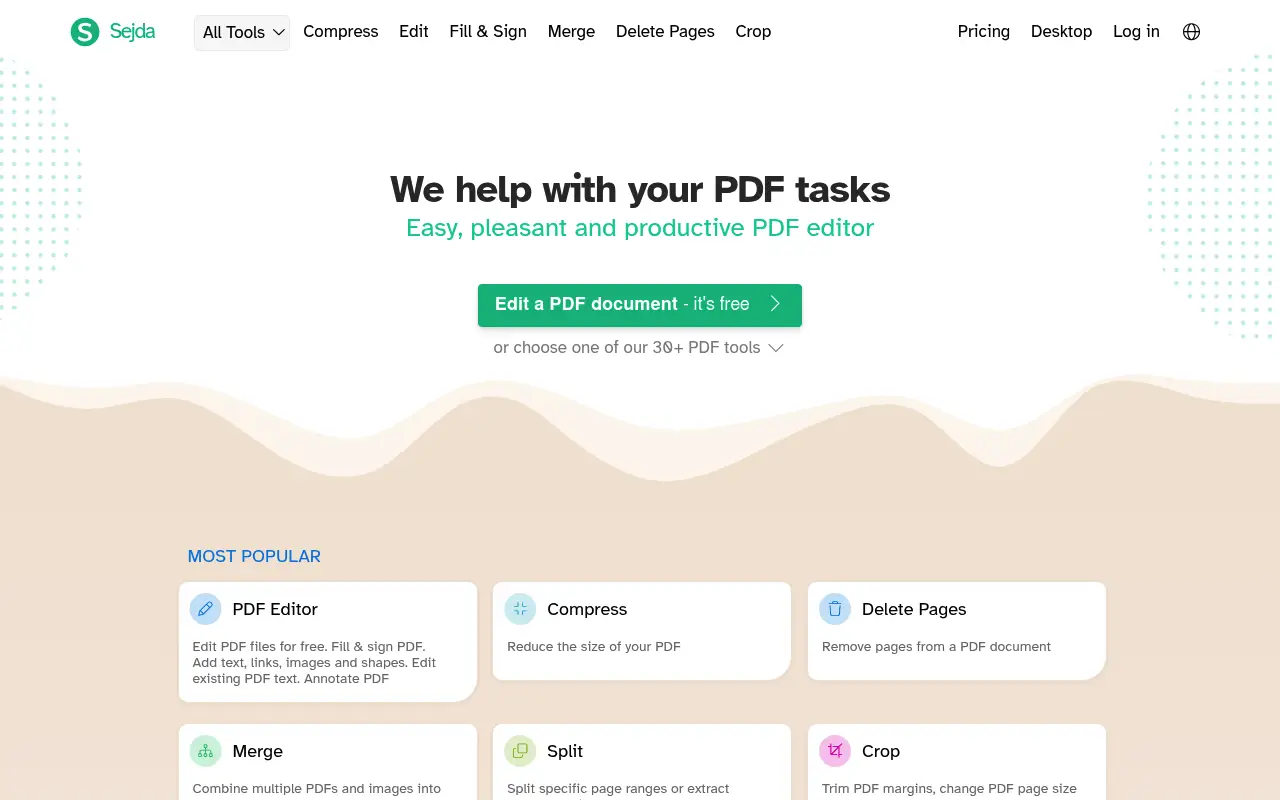
Sejda is a PDF toolkit that bridges the online and desktop worlds. Founded by a small team of developers, Sejda offers both a web-based interface and a downloadable desktop application, giving users the flexibility to choose where their files are processed. The web version provides a generous set of free tools with some restrictions, while the desktop version processes files locally. This dual approach makes Sejda one of the more thoughtful products in the PDF tool space.
Sejda's feature set is broader than many competitors in its price range. Beyond the standard merge, split, and compress operations, Sejda offers inline PDF text editing, form filling, page number insertion, header and footer management, crop tools, and a resize function. The text editing feature is particularly noteworthy because it works directly on the PDF content rather than overlaying text as an annotation. For users who need to make small corrections to existing PDFs, this is genuinely useful.
The free tier allows three tasks per hour with a maximum file size of 50 MB and a 200-page limit. These restrictions are more generous than some competitors but still create friction for anyone with a moderate workload. The web subscription costs $7.50 per week or $63 per year, while the desktop application is a separate one-time purchase at $69.95. Having separate pricing for web and desktop adds complexity and can make the total cost higher than it initially appears if you want both.
For privacy-conscious users, Sejda's desktop app is a reasonable option since it processes files locally. However, at $69.95, it costs more than twice as much as File Studio's $29 lifetime license. Sejda's desktop app also lacks image tools, which File Studio includes. The web version processes files on Sejda's servers, subject to the same privacy tradeoffs as any online tool. File Studio offers a simpler proposition: one price, one app, local processing, and both PDF and image tools included.
The three-task-per-hour limit on Sejda's free web version is one of the more frustrating restrictions in the PDF tool landscape. It is generous enough to get you started on a project but restrictive enough to stop you before you finish. If you need to split a document, merge a few files, and compress the result, you may hit the limit before completing your workflow. This kind of artificial friction is designed to push users toward a paid plan, which is understandable from a business perspective but frustrating from a user perspective. File Studio eliminates task limits entirely, letting you work at whatever pace your project demands.
Side-by-side comparison
File Studio vs Sejda
| Feature | Sejda | File Studio |
|---|---|---|
| Works offline | Desktop app available (separate purchase from web version) | Yes, fully offline |
| Free tier limits | 3 tasks per hour, 50 MB max, 200 pages max | No limits on tasks, file size, or pages |
| File privacy | Online: files uploaded; Desktop: files stay local | Files always stay local |
| Pricing model | Web: $7.50/week or $63/year; Desktop: $69.95 one-time | $29 one-time or $15/year |
| PDF editing | Text editing, form filling, annotations, page manipulation | Annotations, merge, split, compress, convert |
| Image tools | Minimal (image-to-PDF only) | Full suite: convert, resize, compress, watermark, collage |
| Batch processing | Available but limited on free tier | Unlimited batch processing included |
Why switch
What you get with File Studio instead
No three-task-per-hour cap. Work through a stack of PDFs at your own pace without hitting limits.
At $29, File Studio is less than half the price of Sejda's desktop edition at $69.95.
Includes comprehensive image tools that Sejda does not offer, covering conversions, editing, and optimization.
Simpler licensing with one purchase that covers all features, rather than separate web and desktop products.
No page count restrictions. Process PDFs with thousands of pages if needed.
Pricing
Sejda's desktop app costs $69.95 for a one-time license, and the web version costs $63 per year. File Studio's one-time price of $29 is significantly less than either option. If you only need the online version occasionally, Sejda's per-week pricing of $7.50 adds up fast.
In-depth look
Feature breakdown: Sejda vs File Studio
PDF tools comparison
Sejda's PDF editing capabilities go beyond what most lightweight tools offer. The inline text editor lets you click on existing text in a PDF and modify it directly, changing wording, fixing typos, or updating information. The form filler handles interactive PDF forms with text fields, checkboxes, and radio buttons. Page manipulation tools include merge, split, extract, delete, rotate, resize, and crop. The header and footer tool lets you add consistent page numbers, dates, or custom text across a document.
File Studio focuses on the most commonly used operations: merging, splitting, compressing, converting between PDF and image formats, and removing passwords from locked PDFs. It does not include inline text editing or form filling. For users who primarily need to combine, reorganize, or convert PDFs, File Studio covers those needs effectively. For users who need to edit text content within a PDF, Sejda's editor is the more capable tool.
Both tools handle merging and splitting well, with drag-and-drop interfaces and page range controls. File Studio has no task limits, file size caps, or page count restrictions, which gives it an advantage for batch workflows and large documents. Sejda's free tier restrictions can slow you down during busy work sessions, and the desktop version, while unrestricted, costs significantly more than File Studio.
Sejda's licensing complexity is another factor worth considering. The web version and desktop version are separate products with separate pricing. If you want both online flexibility and offline processing, you would need to purchase both. File Studio simplifies this with a single product that always processes locally. There is one price, one application, and one set of features that work identically on both Mac and Windows. This simplicity extends to the user experience: you never need to check which version supports which feature or whether your subscription covers the operation you need.
Image handling
Sejda's image capabilities are limited to converting images to PDFs and extracting images from PDFs. There are no tools for converting between image formats, compressing images, resizing, cropping, or watermarking. If you need to prepare images for a website, convert iPhone photos from HEIC to JPG, or add watermarks to client proofs, Sejda cannot help.
File Studio includes a full image toolkit with format conversion, compression, resizing, cropping, watermarking, and collage creation. For users who work with both documents and images as part of their daily workflow, this eliminates the need for a separate image tool. The image features run locally with the same privacy guarantees as the PDF tools, so product photos, client work, and unreleased designs stay on your device throughout the process.
This gap becomes especially apparent in common professional workflows. An architect might need to split a large PDF blueprint, convert specific pages to high-resolution images for a presentation, resize those images to standard dimensions, and add a watermark before sharing with clients. Sejda can handle the PDF splitting but has no tools for the image processing steps. File Studio handles the entire sequence from PDF manipulation through image preparation, all within a single application and without any file leaving the user's machine.
Privacy and data handling
Sejda's approach to privacy depends on which version you use. The online version processes files on their servers, with files uploaded over HTTPS and deleted after five hours. This is standard for online tools and adequate for non-sensitive documents. The desktop version processes files entirely on your local machine, providing the same privacy benefit as File Studio.
The privacy distinction between Sejda's web and desktop versions is important. If you choose the desktop version for privacy reasons, you are paying $69.95 for local processing. File Studio provides the same local processing guarantee at $29, and includes image tools that Sejda Desktop does not offer. Both products keep files on your machine; File Studio simply does so at a lower price with a broader feature set.
For users who want the flexibility to switch between online and offline processing depending on the situation, Sejda's dual model has merit. But this flexibility comes at a higher total cost if you purchase both the web subscription and the desktop license. File Studio simplifies the decision by offering one product that always processes locally.
Honest take
What you give up by switching
- *Sejda offers inline PDF text editing, letting you modify existing text directly in a document, which File Studio does not support.
- *Sejda's form filler handles interactive PDF forms with text fields and checkboxes, a feature File Studio lacks.
- *Sejda's online version works from any browser, while File Studio requires installation on your machine.
- *Sejda offers page header, footer, and watermark tools specifically for PDFs, which File Studio does not include.
- *Sejda's web version provides a way to process files on shared or public computers without installing software.
Decision guide
Which tool is right for you?
You need to edit existing text within a PDF, like fixing typos or updating dates
Use Sejda. Its inline text editor is one of the better options for making small content changes to existing PDFs.
You primarily merge, split, compress, and convert PDFs and want the most affordable desktop tool
Use File Studio. At $29, it costs less than half of Sejda Desktop's $69.95 and includes image tools that Sejda lacks.
You regularly fill out interactive PDF forms
Use Sejda. Its form-filling capabilities are designed for this purpose, and File Studio does not include dedicated form tools.
You need both PDF and image processing tools in a single application
Use File Studio. Its image toolkit covers format conversion, compression, resizing, watermarking, and more, none of which Sejda offers.
Pricing
Simple, fair pricing.
All tools included. No hidden fees. Processing stays on your device.
Yearly
For short-term projects.
- 1 year of updates
- Image, PDF, SVG, and spreadsheet tools
- Works on Mac & Windows
- All processing done on device
Lifetime
One purchase. Keep it forever.
- Unlimited conversions forever
- 1 year of major updates
- Image, PDF, SVG, and spreadsheet tools
- Watch Folders & Automation
- macOS Notch Drop Zone
- Works on Mac & Windows
Team & Bulk Pricing
Lifetime seats with volume discounts. More seats, bigger discount.
15
lifetime seats
You save
$60
15% off the individual price
Enterprise
50+ seats with custom pricing, centralized license management, and priority support.
FAQ
Frequently asked questions
Does File Studio have the same PDF editing features as Sejda?→
Sejda's text editing capabilities are more advanced, letting you edit existing text directly in a PDF. File Studio focuses on annotations, merging, splitting, compressing, and converting. If inline text editing is critical, Sejda's desktop app may suit you better.
Can I fill out PDF forms with File Studio?→
File Studio supports basic PDF annotation but does not have dedicated form-filling tools like Sejda. For complex forms with interactive fields, a PDF editor with form support would be more appropriate.
Why is File Studio so much cheaper than Sejda Desktop?→
File Studio focuses on the most commonly used PDF and image operations without trying to be a full PDF editor. This narrower scope allows for a lower price while still covering the tasks most people need.
Does Sejda's desktop version work offline?→
Yes, Sejda's desktop app works offline. However, it costs $69.95 compared to File Studio's $29. Both process files locally, but File Studio also includes image tools that Sejda does not.
Can I use File Studio for PDF watermarking?→
File Studio supports image watermarking. For PDF-specific watermarking, check the current feature set on the File Studio website.
@ayysoni · January 23, 2026
Related File Studio tools you might find useful:
Compare File Studio with other tools: