

Comparison
Nitro PDF vs PDF Expert: Windows specialist versus Mac native.
Nitro PDF Pro and PDF Expert do not actually compete with each other since Nitro is Windows-only and PDF Expert is Mac-only. But if you are deciding which platform to invest in for PDF editing, or need something that works on both, this comparison and File Studio's cross-platform approach are worth exploring.
What is Nitro PDF Pro?
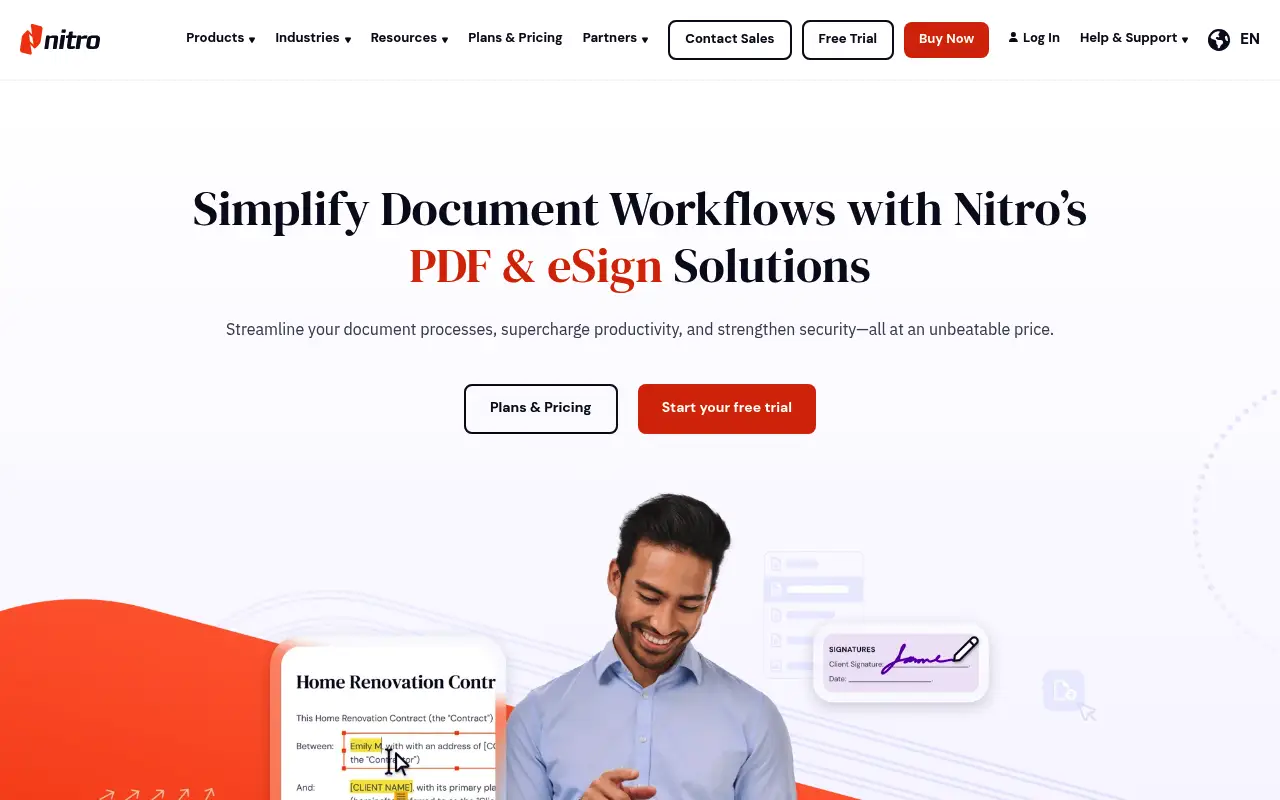
Nitro PDF Pro is a full-featured PDF editor designed for Windows business environments. It includes text and image editing, form creation, OCR, e-signatures through Nitro Sign, and collaboration features. The interface is clean and Office-like.
Nitro offers a perpetual license (around $180) or subscription options. Its analytics and reporting features help businesses track document workflows. The desktop app is Windows-only.
What is PDF Expert?
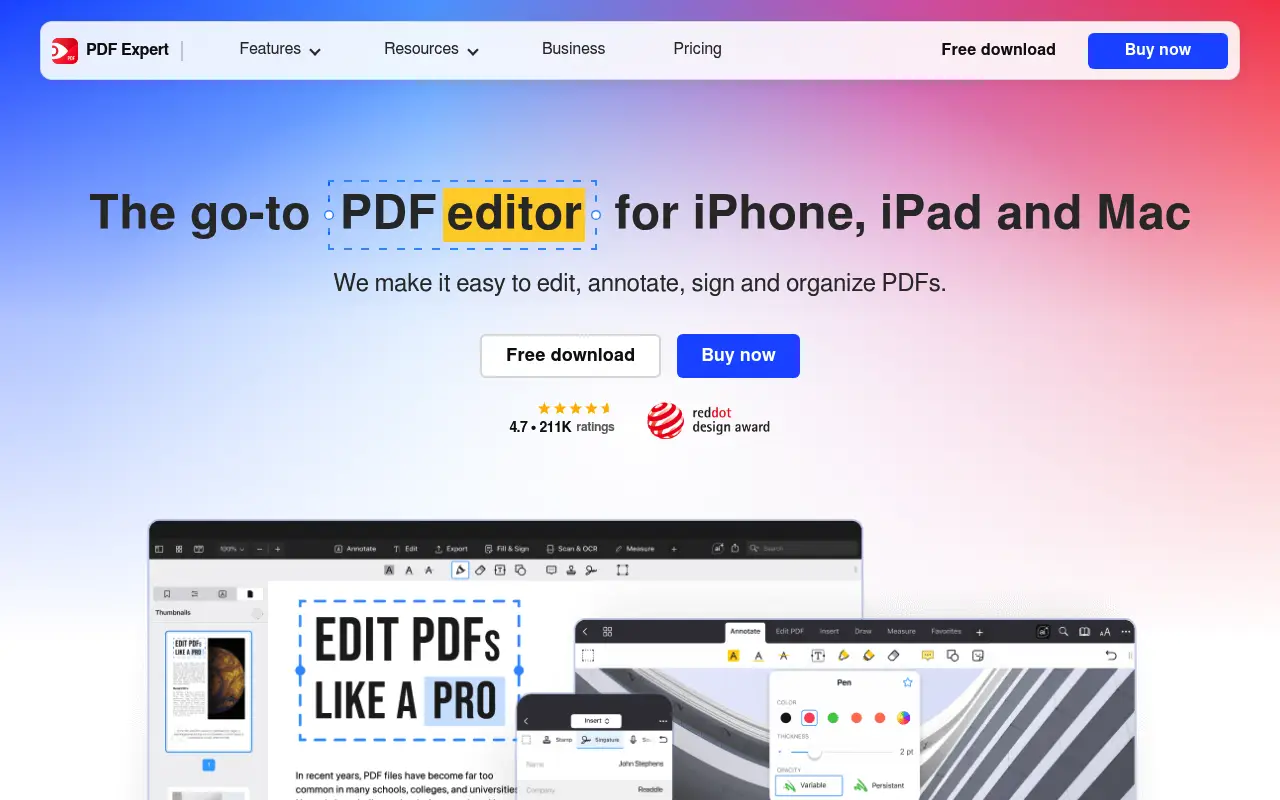
PDF Expert is the go-to PDF editor for the Apple ecosystem. Built by Readdle, it provides text editing, annotations, form filling, page management, and conversions with a native macOS and iOS experience.
At around $80/year or with a one-time purchase option, PDF Expert is more affordable than most professional PDF editors. It lacks some advanced features like redaction and deep OCR but covers the essentials beautifully.
A closer look at Nitro PDF
Nitro PDF pricing and plans
Nitro PDF Pro is available as a perpetual license at approximately $180 or a subscription at around $140/year. The Business platform at $20/user/month adds cloud analytics, e-signatures, and team management for organizations.
Promotional pricing frequently reduces the perpetual license to the $130 to $150 range during sales events. Volume discounts for business deployments start at five seats with additional reductions at larger quantities.
The Windows-only desktop limitation means Nitro's pricing applies only to Windows users. Mac users can access some features through the web platform, but the experience is limited compared to the desktop application.
Nitro PDF core strengths
Nitro's PDF-to-Office conversion engine is among the best in the industry. Converting PDFs back to Word documents with complex tables, headers, and footers produces results that preserve formatting faithfully, reducing the manual cleanup work that inferior converters require.
The familiar Office-style ribbon interface minimizes learning time for Windows users. Keyboard shortcuts match Microsoft Office conventions, and the overall layout feels natural for anyone who uses Word or Excel daily.
The Business platform's analytics dashboard provides insights into team productivity: how many documents are processed, which tools are used most, and where bottlenecks exist. This data helps managers optimize document workflows.
Nitro PDF known limitations
Windows-only desktop support excludes Mac, Linux, iOS, and Android users from the full Nitro experience. The web platform provides some functionality, but it is not a replacement for the desktop editor's complete feature set.
OCR quality does not match top-tier competitors. Processing is slower, accuracy with low-quality scans or unusual fonts is lower, and batch OCR on large document sets can be time-consuming compared to alternatives.
The application has been reported to be resource-heavy during intensive operations. Batch processing, OCR on long documents, and working with files exceeding 500 pages can cause noticeable slowdowns and high memory usage.
A closer look at PDF Expert
PDF Expert pricing and plans
PDF Expert offers a subscription at approximately $80/year or a perpetual license for around $140. The Setapp bundle at $10/month provides PDF Expert alongside dozens of other Mac apps, representing exceptional value for Apple users who can use multiple apps from the catalog.
The pricing covers macOS, iOS, and iPadOS. A single purchase or subscription unlocks the app across all Apple platforms, with iCloud syncing between devices. There are no separate purchases for Mac versus iPad.
No Windows or Android version exists. The pricing structure reflects PDF Expert's exclusive focus on Apple platforms, optimizing the app for a single ecosystem rather than spreading development across multiple operating systems.
PDF Expert core strengths
The native Apple experience is PDF Expert's primary advantage over Nitro for Mac users. The app feels like it belongs on macOS in a way that cross-platform tools never quite achieve. Smooth animations, native keyboard shortcuts, Split View support, and Spotlight integration enhance daily use.
Apple Pencil annotation on iPad is seamless. The latency is imperceptible, palm rejection works reliably, and the pen thickness responds to pressure. For anyone who reviews and marks up documents on iPad Pro, PDF Expert offers the best annotation experience available.
PDF Expert's file management system integrates with iCloud Drive, Dropbox, Google Drive, OneDrive, and other cloud services natively. Opening, editing, and saving documents back to cloud storage is frictionless, matching the expectations of Mac users who use these services daily.
PDF Expert known limitations
The absence of OCR means scanned documents remain as images in PDF Expert. You cannot search, select, or edit text in scanned PDFs. Users who regularly process scanned documents need a separate OCR tool.
No form creation, redaction, or Bates numbering tools limit PDF Expert's utility in professional settings where these features are required. The tool is optimized for reading, annotating, and basic editing rather than enterprise document management.
The perpetual license covers the major version at the time of purchase. Major version upgrades may require an additional payment. This is common in the industry but worth noting when comparing against subscription-based pricing.
Feature comparison
Nitro PDF vs PDF Expert vs File Studio
| Feature | Nitro PDF | PDF Expert | File Studio |
|---|---|---|---|
| Platform support | Windows only (desktop) | Mac and iOS only | Mac and Windows |
| Pricing | ~$180 perpetual or subscription | ~$80/year or one-time purchase | $29 one-time or $9.97/year |
| PDF editing depth | Full editing, forms, OCR, e-signatures | Text editing, annotations, form filling | Merge, split, compress, convert, remove passwords |
| User experience | Clean Office-style interface on Windows | Polished Mac-native experience | Simple, focused interface on both platforms |
| OCR capability | Solid OCR with batch support | Basic OCR | No built-in OCR |
| E-signatures | Nitro Sign integration | Basic signing capability | No e-signature feature |
| Works offline | Yes | Yes | Yes, fully offline |
| Image tools | Minimal | None | Full image suite: resize, compress, convert, watermark |
Verdict
Which tool should you pick?
Since these editors serve different platforms, the choice comes down to your operating system. Windows users should consider Nitro for its strong editing and e-signature features. Mac users should look at PDF Expert for its native performance and intuitive design. If you need a tool that works on both platforms and covers everyday PDF and image operations, File Studio runs on Mac and Windows at a much lower cost.
Pricing breakdown
What you actually pay over time
Nitro PDF Pro's perpetual license at $180 costs slightly more than PDF Expert's at $140, a difference of $40. On subscription, Nitro at $140/year is more expensive than PDF Expert at $80/year. Over three years of subscriptions, Nitro costs $420 versus PDF Expert's $240, a savings of $180 with PDF Expert.
The comparison is complicated by platform exclusivity. Nitro is Windows-only for its desktop app, and PDF Expert is Apple-only. For most users, the choice is made by their operating system rather than features or pricing. Windows users cannot choose PDF Expert, and Mac users get limited value from Nitro's web platform.
File Studio at $29 once or $9.97/year works on both Mac and Windows, bridging the platform gap. For basic PDF operations, it serves both user bases at the lowest price point. Over three years, File Studio saves $211 versus PDF Expert's subscription and $391 versus Nitro's subscription.
For Mac users already using Setapp ($10/month for dozens of apps), PDF Expert is effectively free since it is bundled. This makes the cost comparison against Nitro even more favorable on the Apple platform. Combining Setapp (includes PDF Expert) with File Studio ($29) gives Mac users comprehensive PDF and image tools for under $150/year.
Decision guide
Which tool should you pick?
You use a Mac and need a polished PDF editor
Pick PDF Expert. PDF Expert is purpose-built for macOS with a native interface, Apple Pencil support, and iCloud integration. Nitro's desktop app does not run on Mac.
You use Windows and need strong PDF-to-Office conversion
Pick Nitro PDF. Nitro's conversion engine produces accurate Word and Excel output from PDFs. PDF Expert is not available on Windows, so it is not an option regardless.
You need a cross-platform solution for both Mac and Windows
Pick File Studio. Neither Nitro (Windows-only desktop) nor PDF Expert (Apple-only) works on both platforms. File Studio runs on both Mac and Windows, providing consistent PDF and image tools across operating systems.
You annotate and mark up PDFs on iPad with Apple Pencil
Pick PDF Expert. PDF Expert's Apple Pencil integration on iPad is best-in-class. Pressure-sensitive, low-latency ink with palm rejection delivers the most natural handwriting and annotation experience.
You need productivity analytics for your Windows-based team
Pick Nitro PDF. Nitro's Business platform provides document workflow analytics showing tool usage, processing volumes, and efficiency metrics. PDF Expert does not offer team analytics.
The third option
Why File Studio might be a better fit
The only option here that works on both Mac and Windows, bridging the platform gap between Nitro and PDF Expert.
At $29 one-time, it costs a fraction of Nitro's perpetual license or PDF Expert's annual subscription.
Ideal for users who need document-level PDF operations without full editing capabilities.
Bundles image editing tools that neither Nitro nor PDF Expert includes.
Pricing
Simple, fair pricing.
All tools included. No hidden fees. Processing stays on your device.
Yearly
For short-term projects.
- 1 year of updates
- Image, PDF, SVG, and spreadsheet tools
- Works on Mac & Windows
- All processing done on device
Lifetime
One purchase. Keep it forever.
- Unlimited conversions forever
- 1 year of major updates
- Image, PDF, SVG, and spreadsheet tools
- Watch Folders & Automation
- macOS Notch Drop Zone
- Works on Mac & Windows
Team & Bulk Pricing
Lifetime seats with volume discounts. More seats, bigger discount.
15
lifetime seats
You save
$60
15% off the individual price
Enterprise
50+ seats with custom pricing, centralized license management, and priority support.
FAQ
Frequently asked questions
Can I use Nitro on Mac?→
Nitro's desktop editor is Windows-only. Mac users are limited to Nitro's web tools, which have a reduced feature set. For a native Mac PDF editor, PDF Expert or Foxit are better choices.
Is PDF Expert powerful enough for business use?→
For most individual business tasks like editing documents, filling forms, and annotating, yes. It lacks some enterprise features like centralized deployment, advanced OCR, and built-in analytics that Nitro provides.
Can File Studio work on both Mac and Windows?→
Yes. File Studio is a desktop app available for both Mac and Windows, making it the only cross-platform option in this comparison for desktop PDF tools.
Which has better OCR?→
Nitro PDF Pro has stronger OCR capabilities, including batch OCR processing. PDF Expert's OCR is more basic. For OCR-heavy workflows, Nitro or Adobe Acrobat is the better choice.
Do I need a full PDF editor or is File Studio enough?→
If you regularly edit text and images within PDFs, create forms, or need OCR, a full editor like Nitro or PDF Expert is necessary. If you mainly merge, split, compress, or convert PDFs and images, File Studio covers those tasks at a much lower price.
@ayysoni · June 23, 2026
Related File Studio tools:
More comparisons: