

Nitro PDF alternative
Everyday PDF tools without Nitro's enterprise complexity and pricing.
Nitro PDF is a capable PDF editor aimed at business teams, with features like e-signatures, analytics, and enterprise deployment. If you are an individual or small team that just needs to convert, merge, and compress PDFs, Nitro's complexity and pricing are overkill. File Studio keeps it simple.
Works 100% offline on both Windows and Mac.
Nitro PDF
Requires internet and file uploads to work.
Why people use Nitro PDF
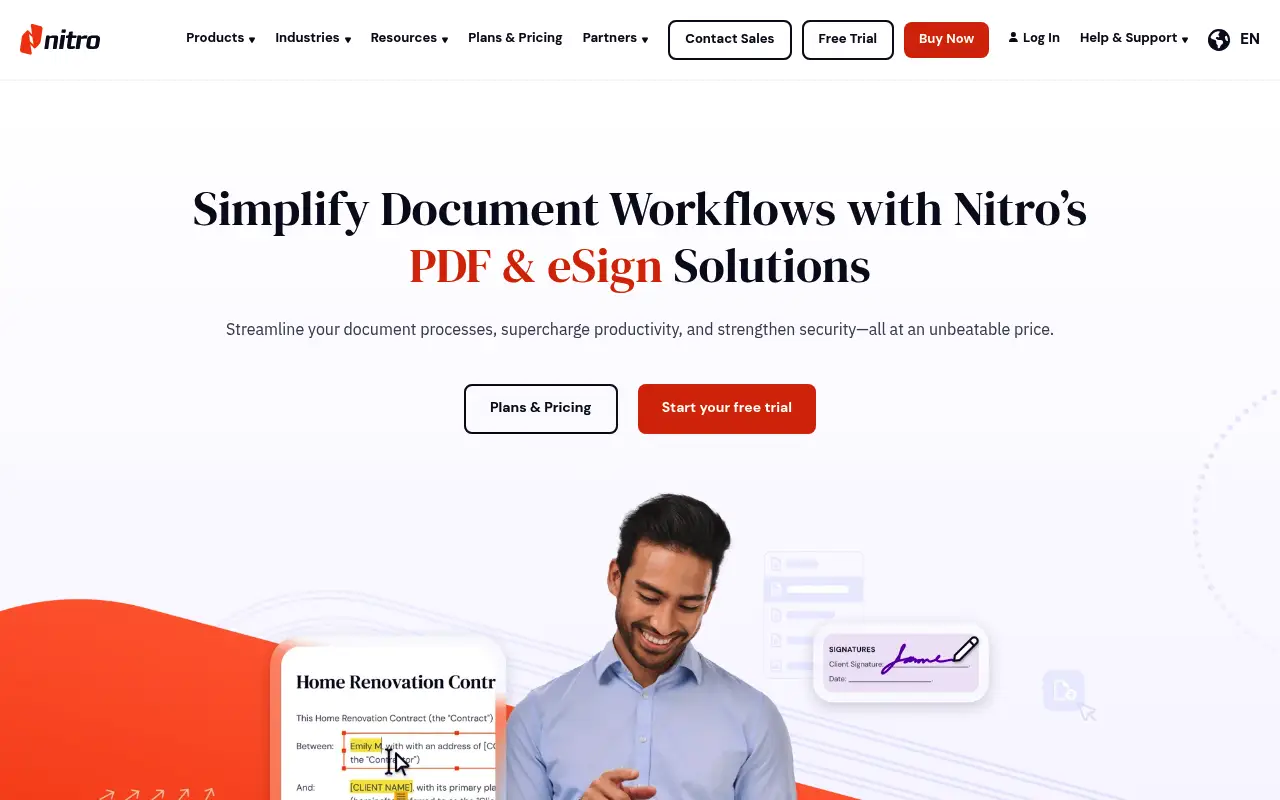
Nitro PDF is a business-focused PDF platform that positions itself as the enterprise alternative to Adobe Acrobat. Founded in 2005 in Melbourne, Australia, Nitro has grown into a company that serves over 14,000 business customers, including major enterprises. The product combines PDF editing, e-signatures through Nitro Sign, analytics on document workflows, and team management features. It is designed for organizations that process large volumes of documents and need visibility into their document workflows.
The typical Nitro user is part of a business team that handles contracts, proposals, reports, and compliance documents. Nitro's value proposition for enterprises centers on reducing the cost of document processing compared to Adobe Acrobat while providing comparable editing capabilities. The PDF editor includes inline text and image editing, form creation and filling, OCR for scanned documents, batch processing, and annotation tools. Nitro Sign adds e-signature workflows with tracking and audit trails.
Nitro's pricing is subscription-based and oriented toward business buyers, typically starting around $14 per user per month. Individual licenses, when available through retail channels, can cost over $150. The pricing structure assumes organizations buying in volume, with per-seat discounts and enterprise agreements. For an individual freelancer or small team, this pricing model is expensive and the enterprise features are unnecessary overhead.
Nitro has historically been a Windows-first product, with more limited Mac support. While the company has expanded its platform coverage, the Windows version remains the most feature-complete. File Studio provides full functionality on both Mac and Windows at a price point designed for individuals and small teams. For someone who does not need enterprise deployment tools, e-signature workflows, or team analytics, File Studio delivers the core PDF operations at a fraction of Nitro's cost.
The gap between what individuals need and what enterprise tools provide is a recurring theme in the PDF software market. Nitro's feature set is designed for organizations with document workflows, compliance requirements, and team coordination needs. For a freelancer who needs to merge client proposals, convert invoices to images, and compress files for email, Nitro's enterprise features are unnecessary overhead. File Studio is designed specifically for this type of user: someone who needs reliable PDF and image tools without the complexity, cost, and administrative burden of enterprise software.
Side-by-side comparison
File Studio vs Nitro PDF
| Feature | Nitro PDF | File Studio |
|---|---|---|
| Target audience | Enterprise teams and businesses | Individuals and small teams |
| Works offline | Yes (desktop app) | Yes, fully offline |
| Pricing model | Subscription-based, typically $14+/user/month | $29 one-time or $15/year |
| PDF editing | Full editing: text, images, pages, forms, OCR | Annotations, merge, split, compress, convert |
| E-signatures | Yes, built-in with Nitro Sign | Not included |
| Image tools | None | Full suite: convert, resize, compress, watermark, collage |
| Setup complexity | Enterprise deployment, IT admin tools | Simple install, ready in minutes |
| Platform support | Windows (primary), Mac (limited), cloud | Mac and Windows |
Why switch
What you get with File Studio instead
Simple, personal pricing at $29 instead of per-user enterprise subscriptions.
No IT department needed. Download, install, and start using File Studio in minutes.
Built-in image tools cover conversions, compression, and editing that Nitro does not include.
Equal Mac and Windows support, unlike Nitro's Windows-first approach.
Focused interface that does not overwhelm you with enterprise features you do not need.
Pricing
Nitro PDF pricing is primarily subscription-based and oriented toward business teams, typically starting around $14 per user per month. Individual licenses, when available, can cost over $150. File Studio's $29 one-time price is designed for individuals and small teams who need everyday PDF tools without enterprise overhead.
In-depth look
Feature breakdown: Nitro PDF vs File Studio
PDF tools comparison
Nitro PDF Pro is a full-featured PDF editor with capabilities comparable to Adobe Acrobat. It includes inline text and image editing, form creation with interactive fields, OCR for making scanned documents searchable, page manipulation (merge, split, reorder, extract), annotation and markup tools, document comparison, batch processing with customizable actions, and PDF optimization. The editor is comprehensive and suitable for heavy PDF editing workflows.
File Studio provides the most frequently used PDF operations: merging, splitting, compressing, converting between PDF and image formats, and password removal. These are the operations that make up the majority of everyday PDF work for most people. File Studio does not include inline editing, form creation, OCR, or document comparison. The interface is simple and task-focused, designed to get common jobs done quickly rather than serve as a comprehensive editing environment.
The gap between Nitro and File Studio is similar to the gap between Acrobat and File Studio. Nitro is a professional PDF editor for users who need deep document editing capabilities. File Studio is a utility for users who need to combine, reorganize, convert, and optimize files efficiently. The price difference reflects this scope difference.
Setup and maintenance is another dimension where the tools diverge. Nitro's enterprise focus means the software requires activation, license management, and periodic updates that may involve IT coordination. For individuals and small teams without dedicated IT support, this administrative overhead is an unnecessary burden. File Studio installs in minutes, requires no activation beyond the initial purchase, and does not impose the kind of administrative requirements that enterprise software demands.
Image handling
Nitro PDF does not include image tools. Its focus is entirely on PDF and document workflows. Image conversion, compression, resizing, and editing require separate software. For enterprise teams, this is typically handled by design departments using specialized tools, so the absence is less noticeable.
File Studio includes a full image toolkit alongside its PDF features. For individuals and small teams who handle both document and image files, this integration eliminates the need for additional software purchases. The image tools cover format conversion, compression, resizing, cropping, watermarking, and collage creation, all running locally with the same privacy guarantees as the PDF tools.
This is a clear differentiator for File Studio in the context of individual and small-team use. Enterprise users have access to shared tools and resources; individuals and freelancers benefit from having a single application that handles both file types.
The practical value is easiest to see in freelance and small business workflows. A freelance consultant might need to compress client photos, convert iPhone screenshots for a report, watermark deliverables, and merge everything into a PDF package. Nitro focuses entirely on the PDF side and provides no help with image preparation. File Studio handles the full pipeline, from raw images through final PDF output, in a single tool that costs a fraction of a single month of Nitro's subscription.
Privacy and data handling
Nitro PDF Pro is a desktop application that processes files locally, similar to File Studio. The core editing, merging, and conversion operations happen on your machine. However, Nitro's cloud features, including Nitro Sign and document analytics, involve server-side processing. The e-signature workflows send documents to Nitro's cloud infrastructure for signing, tracking, and storage.
Nitro's enterprise deployment also involves IT administration tools, license management, and usage analytics that connect back to Nitro's servers. While the core PDF editing remains local, the broader platform is a hybrid of local and cloud processing. For organizations with specific data sovereignty requirements, this hybrid model requires careful evaluation.
File Studio is purely local. There is no cloud component, no account system, no usage tracking, and no server communication of any kind. For users who want a simple, self-contained tool without any cloud dependencies, File Studio's approach is as straightforward as it gets.
Honest take
What you give up by switching
- *Nitro PDF offers advanced PDF editing including inline text modification, form creation, and OCR that File Studio does not provide.
- *Nitro Sign provides integrated e-signature workflows with audit trails, which is essential for contract-heavy businesses.
- *Nitro's enterprise features include deployment tools, admin consoles, and usage analytics that are valuable for IT departments managing company-wide PDF tools.
- *Nitro's document comparison feature lets you identify differences between two versions of a PDF, which is useful for legal and compliance work.
- *For organizations already invested in the Nitro ecosystem, switching to File Studio would mean losing integrated e-signature and analytics capabilities.
- *Nitro's batch processing supports complex multi-step operations, including batch OCR and batch form filling, that extend beyond File Studio's batch conversion and compression capabilities.
Decision guide
Which tool is right for you?
You are an enterprise team that needs PDF editing, e-signatures, and document analytics in one platform
Use Nitro PDF. Its enterprise features, team management, and Nitro Sign integration are designed for organizational document workflows.
You are a freelancer or individual who needs to merge, convert, and compress PDFs affordably
Use File Studio. Its $29 one-time price is a fraction of Nitro's per-user subscription, and it covers the operations most individuals actually need.
You need OCR to make scanned documents searchable
Use Nitro PDF or a dedicated OCR tool. File Studio does not include optical character recognition.
You need a single tool for both PDF and image tasks without enterprise overhead
Use File Studio. It combines PDF manipulation and image tools in a lightweight, affordable package designed for individual use.
Pricing
Simple, fair pricing.
All tools included. No hidden fees. Processing stays on your device.
Yearly
For short-term projects.
- 1 year of updates
- Image, PDF, SVG, and spreadsheet tools
- Works on Mac & Windows
- All processing done on device
Lifetime
One purchase. Keep it forever.
- Unlimited conversions forever
- 1 year of major updates
- Image, PDF, SVG, and spreadsheet tools
- Watch Folders & Automation
- macOS Notch Drop Zone
- Works on Mac & Windows
Team & Bulk Pricing
Lifetime seats with volume discounts. More seats, bigger discount.
15
lifetime seats
You save
$60
15% off the individual price
Enterprise
50+ seats with custom pricing, centralized license management, and priority support.
FAQ
Frequently asked questions
Can File Studio replace Nitro PDF for a business?→
For enterprise workflows with e-signatures, analytics, and team management, Nitro is the more complete solution. For individuals or small teams who mainly convert, merge, and compress PDFs, File Studio handles those tasks at a fraction of the cost.
Does File Studio have OCR like Nitro?→
No. File Studio does not include OCR. If you need to make scanned documents searchable, Nitro or a dedicated OCR tool is the better choice.
Is Nitro PDF available on Mac?→
Nitro has historically been a Windows-focused application. Their Mac support is more limited compared to the Windows version. File Studio provides full-featured support on both Mac and Windows.
Can File Studio handle the same batch operations as Nitro?→
For batch converting, merging, and compressing, yes. Nitro's batch capabilities extend to more advanced operations like batch OCR and form filling, which File Studio does not offer.
I am a freelancer. Which tool makes more sense for me?→
File Studio is likely the better fit. It covers the PDF tasks freelancers need most (converting, merging, compressing), includes image tools, and costs $29 once. Nitro's subscription model and enterprise features are more than most freelancers need.
@ayysoni · February 13, 2026
Related File Studio tools you might find useful:
Compare File Studio with other tools: