

Flatten PDF
PDF to Flattened PDF - Flatten PDFs for cleaner sharing and archiving.
Convert editable layers, form appearances, and annotations into a simpler PDF that is easier to share, archive, and view consistently.
Works 100% offline on both Windows and Mac.
All conversions happen locally on your computer. No uploads, no subscriptions, and no background syncing.
PDF → Flattened PDF
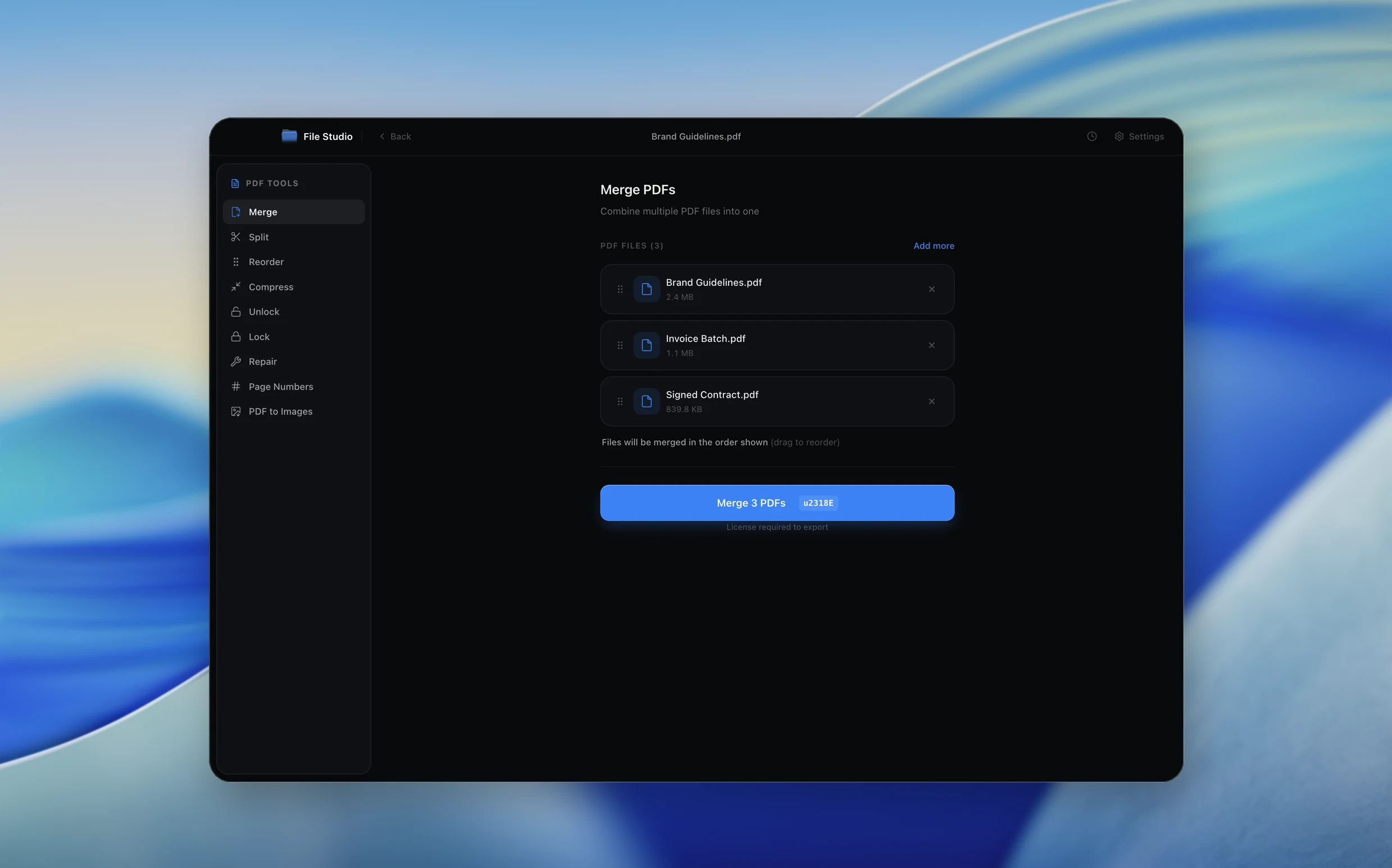
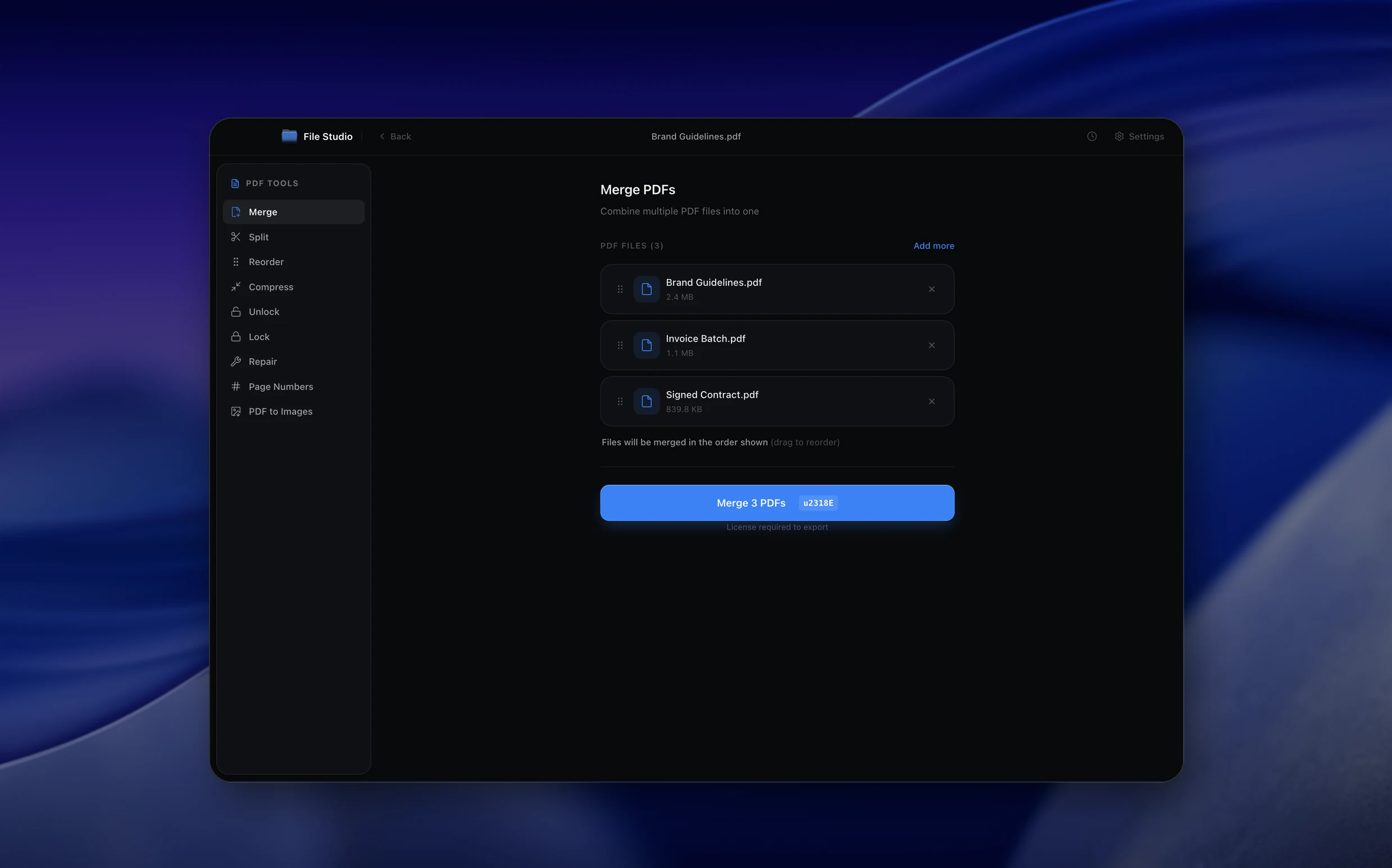
Real File Studio interface, shown in light and dark mode.
How it works
Convert PDF to Flattened PDF in four simple steps.
The flow mirrors the main File Studio experience: install the app, drop in your files, pick the right tool, and export clean, ready-to-share output. All without sending anything to the cloud.
Install File Studio
Download the app, move it to Applications, and open it. No sign-ups or accounts required.
Add your PDF files
Drag-and-drop your pdf files into the window or click to browse from disk.
Choose PDF → Flattened PDF
Pick the dedicated tool, then adjust resolution, quality, and page range until the preview feels right.
Export & keep working
Select an output folder and run the conversion. Your originals stay untouched on your device.
Best practices for cleaner results
- ·Group related files into folders before converting so your output stays organized and easy to archive.
- ·Use higher resolution presets when you know the result will be printed, zoomed in, or reused in design tools.
- ·Keep an unedited copy of your original PDF files for audits, record-keeping, or compliance workflows.
- ·Combine this tool with other File Studio actions like compress, merge, or split to streamline entire document pipelines.
Why File Studio
Built for trustworthy, everyday PDF to Flattened PDF work.
You get precise control over the output, predictable file names, and a private workflow that keeps sensitive documents on your own machine.
Features tuned for this conversion
- ·Offline flattening workflow.
- ·Creates a new export while preserving the original.
- ·Pairs with metadata cleanup and compression before final sharing.
Why use File Studio for this conversion?
- ·Flatten forms and visible markups into a shareable PDF.
- ·Reduce compatibility issues across different PDF viewers.
- ·Run the whole process offline for private documents.
Real-world ways people use it
- ·Finalize filled forms before sending them out.
- ·Archive annotated review documents.
- ·Make PDFs render more consistently for recipients.
Pricing
Simple, fair pricing.
All tools included. No hidden fees. Processing stays on your device.
Yearly
For short-term projects.
- 1 year of updates
- Image, PDF, SVG, and spreadsheet tools
- Works on Mac & Windows
- All processing done on device
Lifetime
One purchase. Keep it forever.
- Unlimited conversions forever
- 1 year of major updates
- Image, PDF, SVG, and spreadsheet tools
- Watch Folders & Automation
- macOS Notch Drop Zone
- Works on Mac & Windows
Team & Bulk Pricing
Lifetime seats with volume discounts. More seats, bigger discount.
15
lifetime seats
You save
$60
15% off the individual price
Enterprise
50+ seats with custom pricing, centralized license management, and priority support.
FAQ
Frequently asked questions
Why flatten a PDF?→
Flattening can make forms, markups, and layered content render more consistently for people who open the file later.
Can I keep the original editable file?→
Yes. File Studio exports a flattened copy and leaves your source file available.
Does flattening upload my PDF?→
No. It runs locally on your device.
Looking for something else? Explore more offline conversions with File Studio: