

Comparison
Adobe Acrobat vs PDF Expert: which PDF editor is best on Mac?
PDF Expert is built specifically for the Apple ecosystem and is often considered the best Mac-native PDF editor. Adobe Acrobat is the cross-platform standard. This comparison helps Mac users decide between the two, with File Studio as a simpler, more affordable alternative for everyday PDF tasks.
What is Adobe Acrobat?
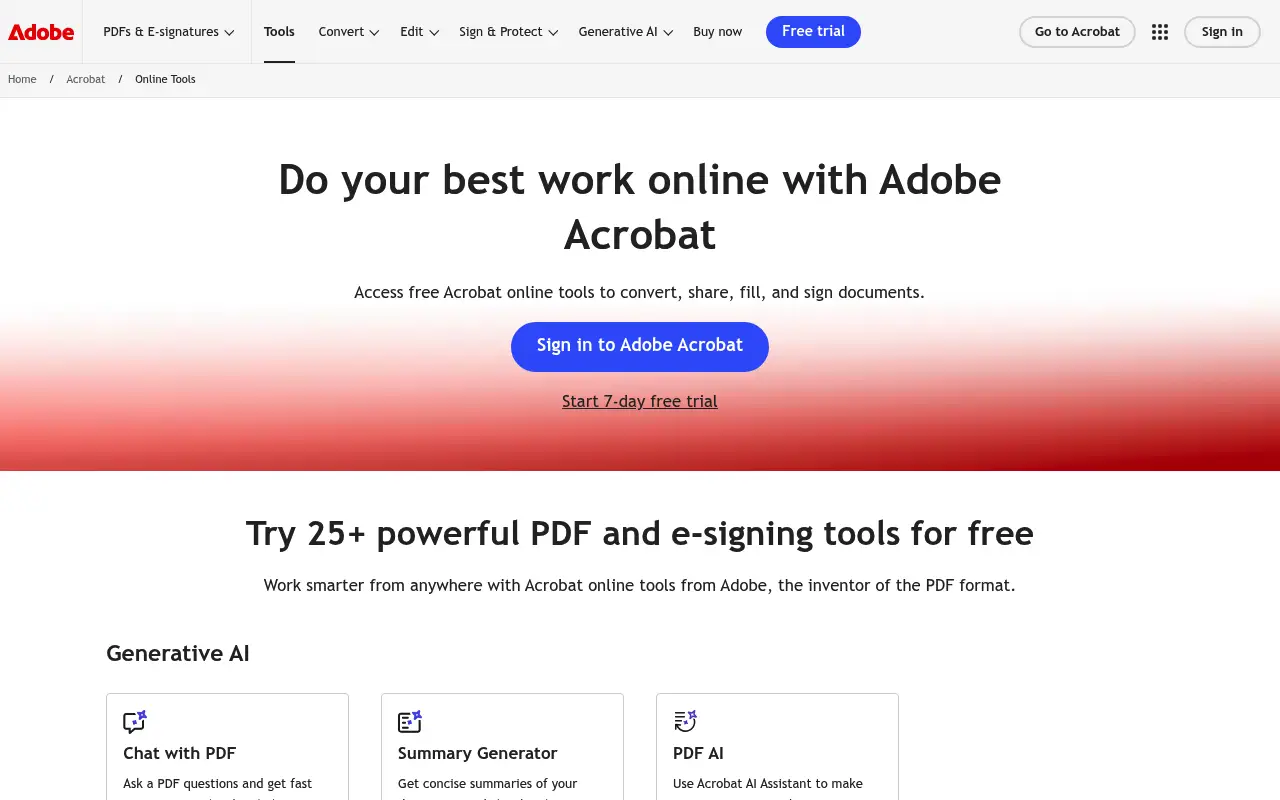
Adobe Acrobat Pro DC brings the full PDF editing experience to Mac with text editing, form creation, OCR, redaction, and digital signatures. The Mac version is functionally equivalent to the Windows version, though some users find it less responsive than native Mac apps.
Acrobat costs about $23/month on annual billing. For Mac users who also work with other Adobe products, the ecosystem integration can justify the price. For those who only need a PDF editor, the cost is steep.
What is PDF Expert?
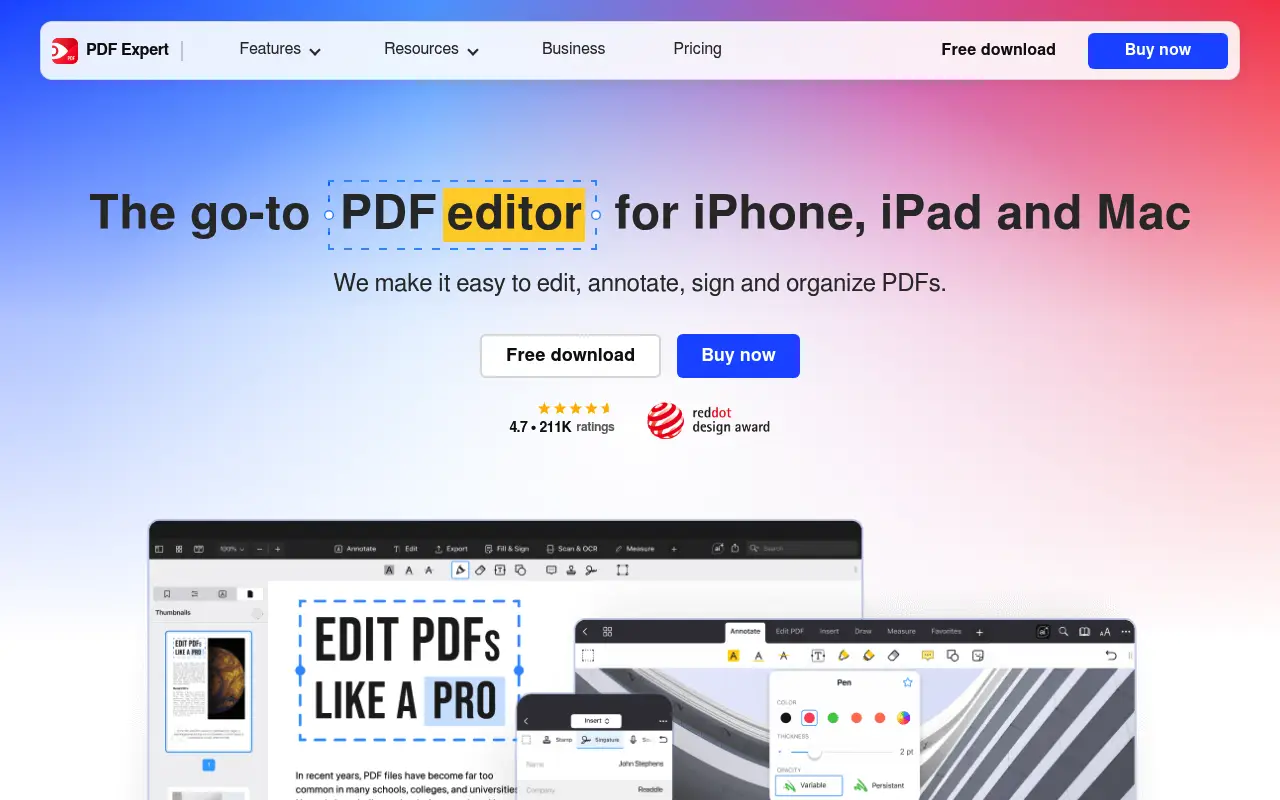
PDF Expert, developed by Readdle, is a Mac and iOS-first PDF editor known for its speed and polished interface. It supports text editing, annotations, form filling, page management, and file conversion. The app feels native to macOS, with smooth scrolling, fast rendering, and system integration.
PDF Expert offers a subscription at around $80/year or a one-time purchase option. It is significantly cheaper than Acrobat while covering most editing needs Mac users have.
The main limitations compared to Acrobat are the lack of advanced OCR, redaction tools, and enterprise features. PDF Expert also does not have a Windows version, making it Apple-only.
A closer look at Adobe Acrobat
Adobe Acrobat pricing and plans
Acrobat Pro at $23 per month billed annually ($276/year) is the most expensive mainstream PDF editor. For Mac users specifically, this pricing feels steep given that PDF Expert offers comparable everyday functionality at a lower price point. The Standard tier at $13/month is available only on Windows, so Mac users must pay full Pro pricing.
Adobe's pricing structure does not reward loyalty. Long-term subscribers pay the same rate as new users, and price increases over the years have pushed the annual cost higher. There are no grandfathered rates or loyalty discounts.
The cancellation policy adds friction: annual plans billed monthly charge a termination fee equal to 50% of remaining months if canceled early. This effectively locks users into a full year once they subscribe.
Adobe Acrobat core strengths
Cross-platform availability gives Acrobat an edge for users who work across Mac, Windows, iOS, and Android. Documents sync through Adobe Cloud, and the editing experience is consistent across platforms. PDF Expert, by comparison, is limited to the Apple ecosystem.
Acrobat's preflight tools allow users to verify PDF compliance with industry standards like PDF/X for print, PDF/A for archival, and PDF/E for engineering. These validation checks are critical in professional publishing and prepress workflows.
The Action Wizard in Acrobat lets users create automated multi-step workflows. For example, you can build an action that optimizes file size, adds a watermark, applies security settings, and saves with a specific naming convention, all in a single click. This automation capability is absent from PDF Expert.
Adobe Acrobat known limitations
For Mac users specifically, Acrobat's interface feels foreign. It does not follow macOS design conventions, the touch bar support is minimal, and the application does not integrate with Apple's ecosystem features like Handoff, Quick Look, or the Share menu as naturally as native Mac apps.
The subscription model is particularly frustrating for Mac users because PDF Expert offers a perpetual license option. Paying $276 per year indefinitely versus a one-time payment of around $80 to $140 for PDF Expert makes Acrobat a harder sell on the Mac platform.
Acrobat's file handling on Mac can be problematic. Users report issues with file locking, Finder integration, and iCloud Drive compatibility that do not occur with native Mac applications like PDF Expert.
A closer look at PDF Expert
PDF Expert pricing and plans
PDF Expert by Readdle offers a subscription at approximately $80 per year or a perpetual license for around $140 (pricing varies by region and promotions). The Mac app is also available through Setapp, a subscription service that bundles multiple Mac apps for about $10 per month.
The iOS and iPadOS version of PDF Expert is included with the subscription or available as a separate purchase. Apple Pencil support on iPad makes it one of the best mobile PDF annotation tools available, and syncing between Mac and iPad is seamless through iCloud.
There is no Windows version. PDF Expert is exclusively available on Apple platforms (macOS, iOS, iPadOS). This is its most significant market limitation but also reflects its strength: deep optimization for Apple hardware and software.
PDF Expert core strengths
PDF Expert is widely regarded as the best-designed PDF editor on Mac. The interface is clean, responsive, and follows macOS conventions. It supports Split View, dark mode, tabs, and Finder Quick Look integration. For Mac users, the experience feels native in a way that Acrobat never achieves.
Reading and annotation performance is exceptional. PDF Expert opens large documents quickly, scrolls smoothly through hundreds of pages, and offers a reading mode that minimizes UI clutter. The annotation toolkit includes highlighting, underlining, strikethrough, freehand drawing, text notes, stamps, and shapes.
The text editing feature in PDF Expert allows inline editing of existing PDF text, including font changes, size adjustments, and color modifications. While not as deep as Acrobat's editing engine, it covers the editing needs of most users without the complexity.
PDF Expert known limitations
No Windows support limits PDF Expert to Apple-only environments. Teams with mixed platforms cannot standardize on PDF Expert, which pushes them toward cross-platform options like Acrobat or Foxit.
Advanced features like OCR, Bates numbering, redaction, and form creation are absent. PDF Expert handles annotation, basic editing, and page management well, but it cannot serve as a replacement for Acrobat in legal, compliance, or publishing workflows.
The file format support is narrower than Acrobat's. PDF Expert works with PDFs and a handful of other document formats, but it lacks the broad conversion capabilities (PDF to Excel, PDF to PowerPoint with layout preservation) that Acrobat provides.
Feature comparison
Adobe Acrobat vs PDF Expert vs File Studio
| Feature | Adobe Acrobat | PDF Expert | File Studio |
|---|---|---|---|
| Pricing | ~$23/month (~$276/year) | ~$80/year or one-time purchase | $29 one-time or $9.97/year |
| Platform support | Mac, Windows, iOS, Android, web | Mac and iOS only | Mac and Windows |
| PDF editing depth | Full editing, forms, redaction, Bates numbering | Text editing, annotations, form filling, page management | Merge, split, compress, convert, remove passwords |
| OCR capability | Advanced multi-language OCR | Basic OCR available | No built-in OCR |
| Speed / performance | Heavy; can feel sluggish on older Macs | Fast, native Mac performance | Lightweight and fast |
| Works offline | Yes, with optional cloud features | Yes, fully functional offline | Fully offline |
| Privacy / files stay local | Local with optional Adobe Cloud sync | Local processing; optional iCloud sync | Files never leave your device |
| Image tools | Minimal | None | Full image suite: resize, compress, convert, watermark, crop |
Verdict
Which tool should you pick?
PDF Expert is the better choice for Mac users who want a polished, fast PDF editor without Acrobat's price tag. Acrobat remains necessary for advanced features like redaction, complex OCR, and cross-platform compatibility. Both are genuine PDF editors with text-level editing. If you do not need to edit text inside PDFs and mainly work with document-level operations, File Studio provides those capabilities at a much lower price with excellent image tools included.
Pricing breakdown
What you actually pay over time
Adobe Acrobat Pro costs $276 per year with no perpetual option, while PDF Expert offers a $140 perpetual license or an $80/year subscription. Over three years, Acrobat costs $828 compared to $240 for PDF Expert's subscription or just $140 for the perpetual license. The savings with PDF Expert range from $588 to $688 over that period.
For Mac users specifically, the value proposition tilts heavily toward PDF Expert. The Setapp bundle at $10 per month ($120/year) includes PDF Expert alongside dozens of other Mac apps, making it an extraordinary deal for users who can use other apps in the bundle. Acrobat is not available through Setapp or any comparable bundle.
File Studio at $29 one-time or $9.97 per year adds another dimension. It covers basic PDF operations and includes image editing tools that neither Acrobat nor PDF Expert provide. For Mac users who need both PDF and image tools, File Studio fills the gap left by PDF Expert's narrower focus. Over three years, File Studio saves $799 versus Acrobat and $111 versus PDF Expert's subscription.
The total cost of a combined approach matters here. A Mac user could buy PDF Expert's perpetual license ($140) for advanced reading and annotation, plus File Studio ($29) for PDF operations and image editing, totaling $169 once. That is less than a single year of Acrobat Pro, and there are no recurring costs.
Decision guide
Which tool should you pick?
You are a Mac user who reads and annotates PDFs extensively
Pick PDF Expert. PDF Expert's native Mac design, Apple Pencil support on iPad, and smooth reading experience make it the best PDF reader and annotator on the Apple platform.
You need cross-platform support for Mac, Windows, and mobile
Pick Adobe Acrobat. PDF Expert is Apple-only. If you or your team work across Mac and Windows, Acrobat is the only option in this comparison that works natively on both.
You want a one-time purchase PDF editor for Mac
Pick PDF Expert. PDF Expert's perpetual license at around $140 eliminates recurring costs. Over three years, it costs $688 less than Acrobat Pro. For everyday editing and annotation, it covers what most Mac users need.
You need PDF tools plus image editing on a budget
Pick File Studio. File Studio combines PDF operations with a full image toolkit (resize, compress, convert, watermark, crop) for $29. Neither Acrobat nor PDF Expert includes dedicated image editing tools.
You need OCR, redaction, or fillable form creation
Pick Adobe Acrobat. These professional features are exclusive to Acrobat in this comparison. PDF Expert and File Studio do not offer OCR, legal redaction, or interactive form building.
The third option
Why File Studio might be a better fit
Covers merging, splitting, compressing, and converting PDFs for less than a month of Acrobat or a fraction of PDF Expert's cost.
Available on both Mac and Windows, unlike PDF Expert which is Apple-only.
Includes comprehensive image editing tools that neither Acrobat nor PDF Expert offer.
No subscription pressure; buy once and own it, or pay just $9.97/year.
Pricing
Simple, fair pricing.
All tools included. No hidden fees. Processing stays on your device.
Yearly
For short-term projects.
- 1 year of updates
- Image, PDF, SVG, and spreadsheet tools
- Works on Mac & Windows
- All processing done on device
Lifetime
One purchase. Keep it forever.
- Unlimited conversions forever
- 1 year of major updates
- Image, PDF, SVG, and spreadsheet tools
- Watch Folders & Automation
- macOS Notch Drop Zone
- Works on Mac & Windows
Team & Bulk Pricing
Lifetime seats with volume discounts. More seats, bigger discount.
15
lifetime seats
You save
$60
15% off the individual price
Enterprise
50+ seats with custom pricing, centralized license management, and priority support.
FAQ
Frequently asked questions
Is PDF Expert worth it for Mac users?→
Yes, if you regularly edit PDF content on Mac. PDF Expert is fast, well-designed, and significantly cheaper than Acrobat. It is one of the best Mac-native PDF editing experiences available.
What features does Acrobat have that PDF Expert lacks?→
Acrobat includes advanced redaction tools, Bates numbering, Action Wizard for automation, deeper OCR capabilities, and enterprise deployment features. For everyday PDF editing, most users will not miss these.
Does PDF Expert work on Windows?→
No. PDF Expert is available only on Mac and iOS. If you need a PDF editor for Windows, consider Acrobat, Foxit, or Nitro. For basic PDF operations on Windows, File Studio works well.
Can File Studio replace PDF Expert for everyday tasks?→
For document-level operations like merging, splitting, compressing, and converting PDFs, yes. File Studio cannot edit text inside a PDF the way PDF Expert can, but it adds image editing tools that PDF Expert does not have.
Which is the most cost-effective option?→
File Studio at $29 one-time is the cheapest by far. PDF Expert at ~$80/year is mid-range. Acrobat at ~$276/year is the most expensive. The right choice depends on whether you need full PDF editing or just document operations.
@ayysoni · April 7, 2026
Related File Studio tools:
More comparisons: