

Comparison
iLovePDF vs Soda PDF: simple toolkit versus hybrid PDF editor.
iLovePDF is a straightforward web-based PDF toolkit. Soda PDF tries to be both an online tool and a full desktop PDF editor. They approach PDF work differently, and this comparison covers where each shines, plus where File Studio fits as a lightweight desktop option.
What is iLovePDF?
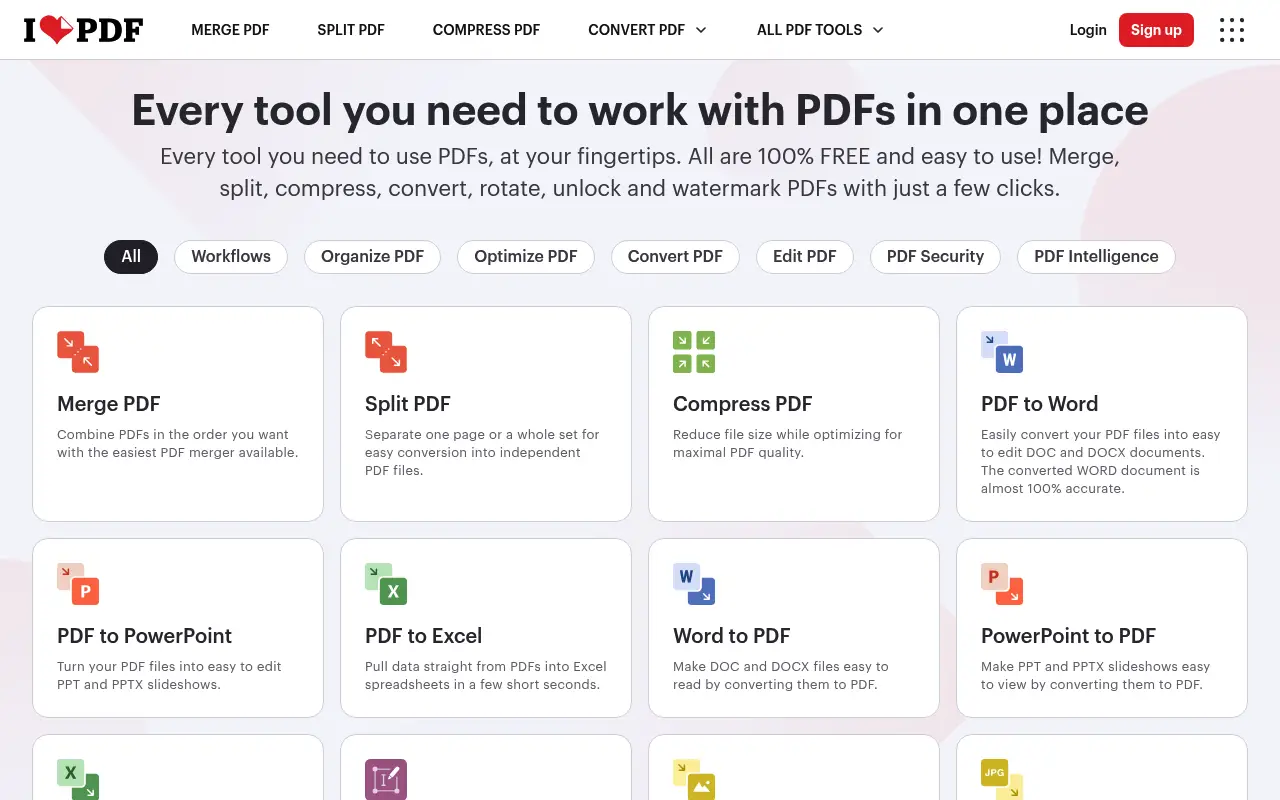
iLovePDF provides individual PDF tools in the browser: merge, split, compress, convert, rotate, watermark, and more. It is designed to be simple and fast for specific tasks. You pick a tool, upload a file, and get your result.
Premium ($7/month annual) removes limits and adds batch processing. The tool does not try to be a full PDF editor; it focuses on doing task-based operations well.
What is Soda PDF?
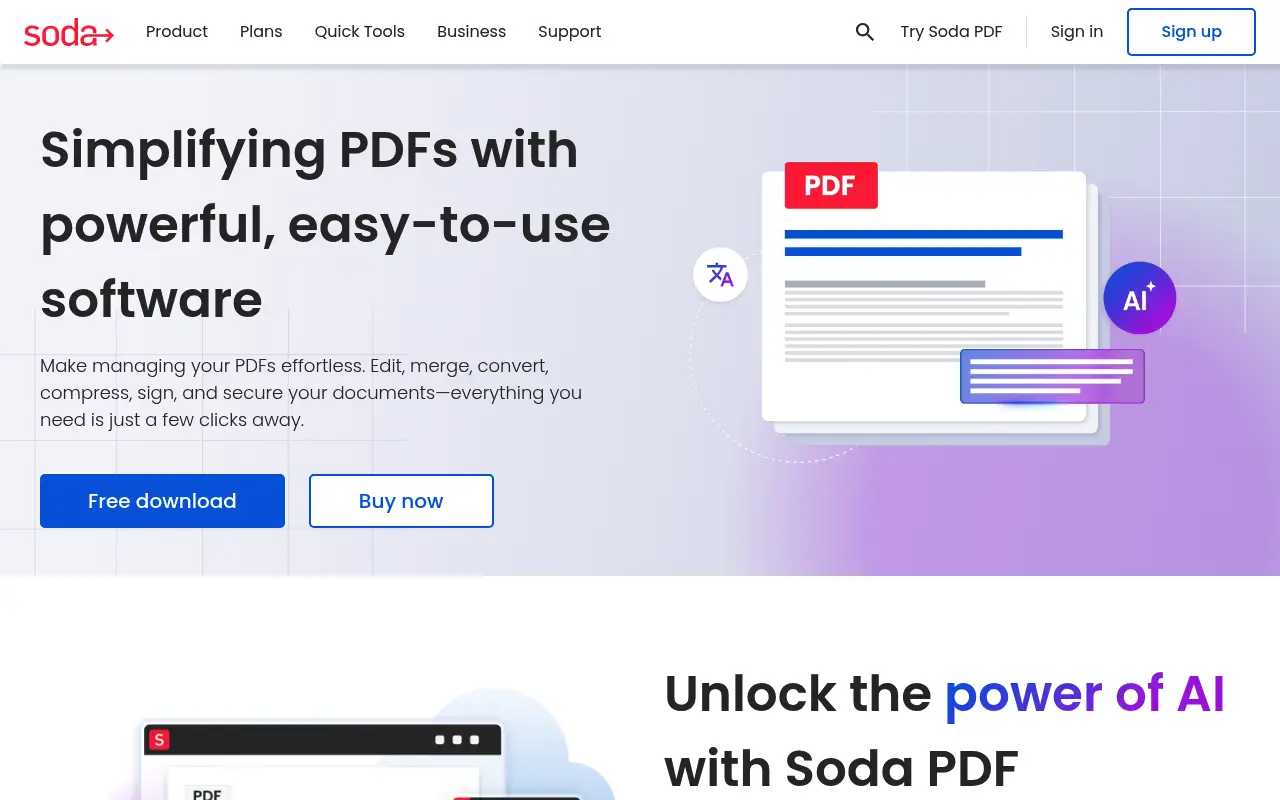
Soda PDF offers both online tools and a desktop application that functions as a full PDF editor. The desktop version includes text editing, form creation, OCR, e-signatures, and page management. It aims to compete with editors like Adobe Acrobat at a lower price.
Pricing for Soda PDF starts at about $10/month for the Standard plan. There are also Premium and Business tiers with additional features. The online tools are free with limits.
Soda PDF has received mixed reviews regarding its interface and occasional upselling within the app. The feature set is broad, but the user experience is not as polished as competitors like PDF Expert or even iLovePDF.
A closer look at iLovePDF
iLovePDF pricing and plans
iLovePDF Premium at $7/month billed annually ($84/year) is straightforward and affordable. The free tier covers casual use adequately, with enough daily operations for occasional PDF tasks. Upgrading to Premium removes all limits and ads.
The API and Business plans extend the platform for developers and teams. This layered approach lets users start free, upgrade when needed, and scale for business use without switching platforms.
Pricing is displayed clearly with no hidden charges. What you see on the pricing page is what you pay. There are no per-page fees, storage charges, or feature-gated upsells within the paid tier.
iLovePDF core strengths
The simplicity of iLovePDF's workflow is its biggest advantage over more complex tools like Soda PDF. Each tool does one thing well, the interface is clean, and results are ready within seconds. This simplicity is by design, not a limitation.
Browser-based access means iLovePDF works on any device with an internet connection. ChromeOS, Linux, older Macs, tablets, and phones all work equally well. There is no software compatibility to worry about.
The combination of free access, low premium pricing, and API availability makes iLovePDF accessible to individuals, teams, and developers at every budget level.
iLovePDF known limitations
iLovePDF lacks advanced PDF editing capabilities. You cannot edit existing text, create interactive forms, apply OCR, or redact content. These omissions are by design (keeping the tool simple), but they matter for users who need more than basic operations.
The desktop app does not add offline capabilities. It is essentially a wrapper around the web interface that still requires internet connectivity and processes files on iLovePDF's servers.
Customer support is primarily email-based with typical response times of one to two business days. There is no live chat or phone support, which can be frustrating when facing an urgent issue.
A closer look at Soda PDF
Soda PDF pricing and plans
Soda PDF pricing has varied over the years and can be confusing. The current model typically offers a subscription at around $10 to $13 per month billed annually ($120 to $156/year), though pricing can differ based on promotions and bundles. Some versions include access to both online and desktop tools.
Soda PDF has offered lifetime licenses in the past through bundle deals and promotions, though availability is inconsistent. The standard offering is subscription-based with annual or monthly billing options.
The pricing structure has drawn criticism for upselling during checkout. Users report being presented with additional add-ons, extended warranties, and bundled services that increase the final cost beyond the advertised price if not carefully declined.
Soda PDF core strengths
Soda PDF offers a more complete PDF editing experience than iLovePDF. It includes text editing within existing PDFs, form creation, OCR, batch processing, and e-signature capabilities. For users who need editing depth beyond what web-based tools provide, Soda PDF fills that gap.
The dual availability as both a web app and desktop application gives users flexibility. The web version handles quick tasks without installation, while the desktop app provides the full feature set for intensive work.
Soda PDF's 3D reading mode and customizable interface themes offer a different reading experience. While these are cosmetic features, they can improve comfort during long document review sessions.
Soda PDF known limitations
Soda PDF has developed a reputation for aggressive marketing and confusing cancellation processes. Users have reported difficulty canceling subscriptions, unexpected auto-renewals, and charges appearing after they believed they had ended their subscription.
Software stability is inconsistent. The desktop application has been reported to crash during large file processing, and the web version can be slow compared to competitors like iLovePDF. Performance varies significantly between different features and file types.
Customer support has received mixed reviews. While the company offers multiple support channels, response quality and resolution times have been criticized in user reviews on platforms like Trustpilot and G2.
Feature comparison
iLovePDF vs Soda PDF vs File Studio
| Feature | iLovePDF | Soda PDF | File Studio |
|---|---|---|---|
| Pricing | Free; Premium ~$7/month (annual) | Free online tools; Desktop from ~$10/month | $29 one-time or $9.97/year |
| PDF editing depth | Task-based operations only | Full text editing, forms, OCR, e-signatures | Merge, split, compress, convert, remove passwords |
| Works offline | No | Desktop app works offline | Fully offline |
| Interface quality | Clean and simple | Feature-rich but can feel cluttered | Clean and focused |
| Privacy / files stay local | Files uploaded to servers | Online: uploaded; Desktop: local processing | Files never leave your device |
| OCR capability | Basic OCR on Premium | OCR included in desktop edition | No built-in OCR |
| Batch processing | Premium only | Available in desktop app | Unlimited batch processing included |
| Image tools | Basic image-to-PDF | Image-to-PDF conversion | Full image suite: resize, compress, convert, watermark, crop |
Verdict
Which tool should you pick?
iLovePDF is the better choice if you want simple, fast PDF operations without complexity. Soda PDF offers more editing depth with its desktop application, including OCR and form creation, but the experience is not as refined as competitors at similar price points. If you need a lightweight desktop app that covers everyday PDF tasks and image editing without upsells or subscription pressure, File Studio is a clean alternative to both.
Pricing breakdown
What you actually pay over time
iLovePDF Premium at $84/year is cheaper than Soda PDF's typical $120 to $156/year pricing. Over three years, iLovePDF costs $252 versus Soda PDF's $360 to $468, saving between $108 and $216. The savings are meaningful, but Soda PDF offers deeper editing features that justify some price difference for users who need them.
The free tier comparison favors iLovePDF. Its free offering is more generous, more reliable, and does not pressure users toward paid plans as aggressively as Soda PDF's free trial approach, which often leads to subscription prompts after a limited trial period.
File Studio at $29 once or $9.97/year is significantly cheaper than both. Over three years, it saves between $223 (versus iLovePDF) and $439 (versus Soda PDF at the higher end). File Studio covers the basic PDF operations both platforms offer and adds image tools, but lacks the text editing and OCR features Soda PDF provides.
The cost of poor experiences should factor into this analysis. Soda PDF's reported issues with billing, cancellation, and software stability represent hidden costs in terms of time, frustration, and potential unexpected charges. iLovePDF and File Studio both have cleaner reputations in this regard.
Decision guide
Which tool should you pick?
You want simple, reliable PDF tools with transparent pricing
Pick iLovePDF. iLovePDF is more affordable, has clearer pricing, and does not have the billing and cancellation issues that Soda PDF users have reported.
You need inline text editing and OCR in a mid-range tool
Pick Soda PDF. Soda PDF offers text editing within existing PDFs and OCR capabilities that iLovePDF lacks. If these features are necessary, Soda PDF provides them at a lower price than Adobe Acrobat.
You want the lowest cost with no risk of billing issues
Pick File Studio. File Studio's one-time $29 payment eliminates subscription management entirely. There are no recurring charges, no cancellation processes, and no risk of unexpected renewals.
You need browser-based PDF tools that work on any device
Pick iLovePDF. iLovePDF's web platform works reliably across all browsers and devices. Soda PDF's web version is less polished and sometimes redirects users to download the desktop app.
You need to create fillable PDF forms
Pick Soda PDF. Soda PDF includes form creation tools that let you add text fields, checkboxes, dropdowns, and other interactive elements. iLovePDF and File Studio do not offer form building capabilities.
The third option
Why File Studio might be a better fit
A focused, no-nonsense interface without Soda PDF's upselling or iLovePDF's upload requirements.
Costs $29 once or $9.97/year, significantly less than Soda PDF's subscription.
Image editing tools built in, covering resize, compress, watermark, and format conversion.
No account required, no cloud dependency, and no internet needed.
Pricing
Simple, fair pricing.
All tools included. No hidden fees. Processing stays on your device.
Yearly
For short-term projects.
- 1 year of updates
- Image, PDF, SVG, and spreadsheet tools
- Works on Mac & Windows
- All processing done on device
Lifetime
One purchase. Keep it forever.
- Unlimited conversions forever
- 1 year of major updates
- Image, PDF, SVG, and spreadsheet tools
- Watch Folders & Automation
- macOS Notch Drop Zone
- Works on Mac & Windows
Team & Bulk Pricing
Lifetime seats with volume discounts. More seats, bigger discount.
15
lifetime seats
You save
$60
15% off the individual price
Enterprise
50+ seats with custom pricing, centralized license management, and priority support.
FAQ
Frequently asked questions
Is Soda PDF a good PDF editor?→
Soda PDF has a solid feature set including text editing, OCR, and forms. However, user reviews frequently mention a cluttered interface and aggressive upselling. For a smoother editing experience, PDF Expert or Foxit may be better choices.
Can iLovePDF edit text inside a PDF?→
No. iLovePDF focuses on file-level operations and does not support editing text within a PDF. For text editing, you need a tool like Soda PDF, PDF Expert, or Adobe Acrobat.
Does Soda PDF work on Mac?→
Soda PDF's online tools work on any platform via browser. The desktop application is primarily designed for Windows. Mac support has been inconsistent historically. File Studio works natively on both Mac and Windows.
Which tool is better for compressing PDFs?→
For simple PDF compression, iLovePDF is faster and easier to use. Soda PDF can also compress PDFs but requires navigating a more complex interface. File Studio compresses PDFs offline with no file size limits.
Is there a free way to merge PDFs without these tools?→
On Mac, Preview can combine PDFs for free. On Windows, there is no built-in tool. Both iLovePDF and Soda PDF offer free merging with limits. File Studio provides unlimited merging after a one-time purchase.
@ayysoni · May 11, 2026
Related File Studio tools:
More comparisons: