

Comparison
Smallpdf vs PDF2Go: premium experience versus free utility.
Smallpdf positions itself as a premium PDF tool with a polished interface. PDF2Go is a free-first utility with broader format support but a more dated design. Both handle common PDF tasks, but they serve different audiences. Here is a full comparison, with File Studio as an offline alternative to both.
What is Smallpdf?
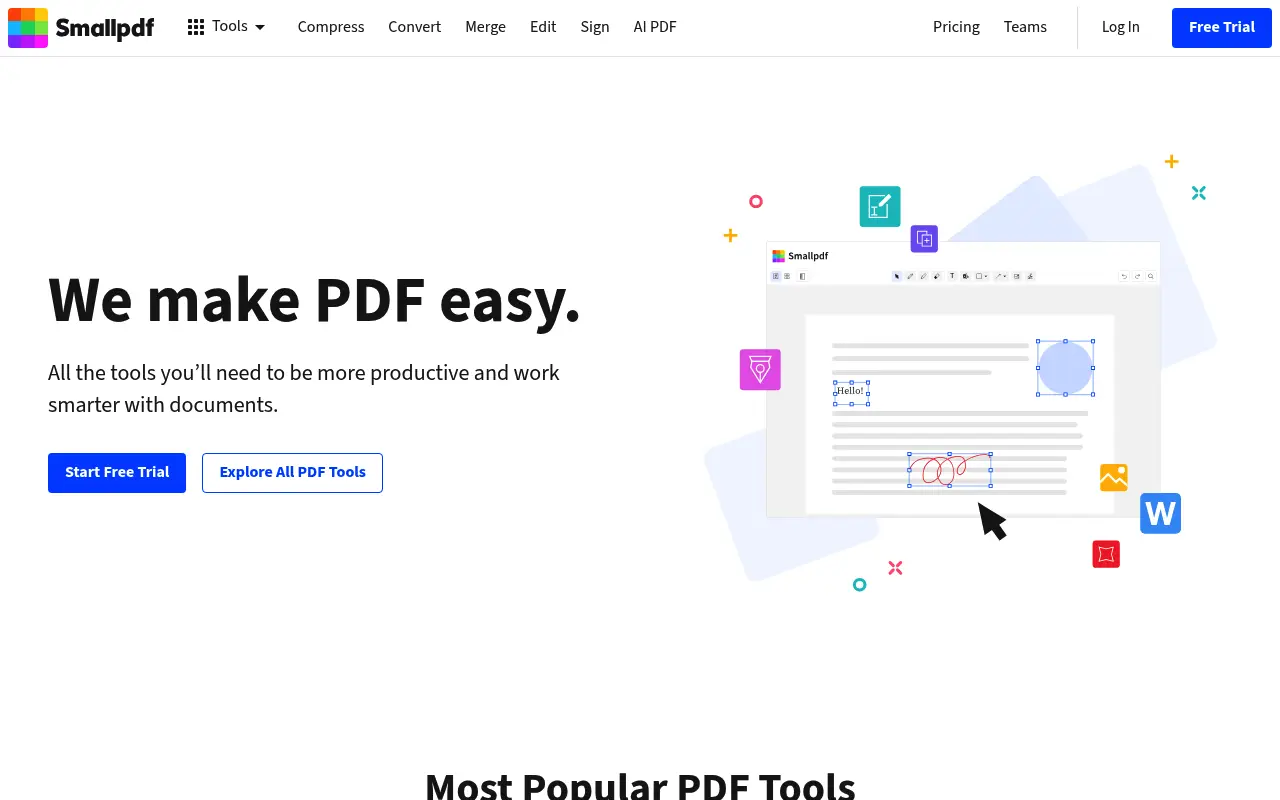
Smallpdf has built its reputation on design and simplicity. Every PDF task is presented clearly with drag-and-drop interfaces and step-by-step workflows. The experience is noticeably smoother than most web-based PDF tools.
The downside is cost. The free tier limits you to 2 tasks per day, and the Pro plan at $12/month (annual) is one of the more expensive options among web PDF tools.
What is PDF2Go?
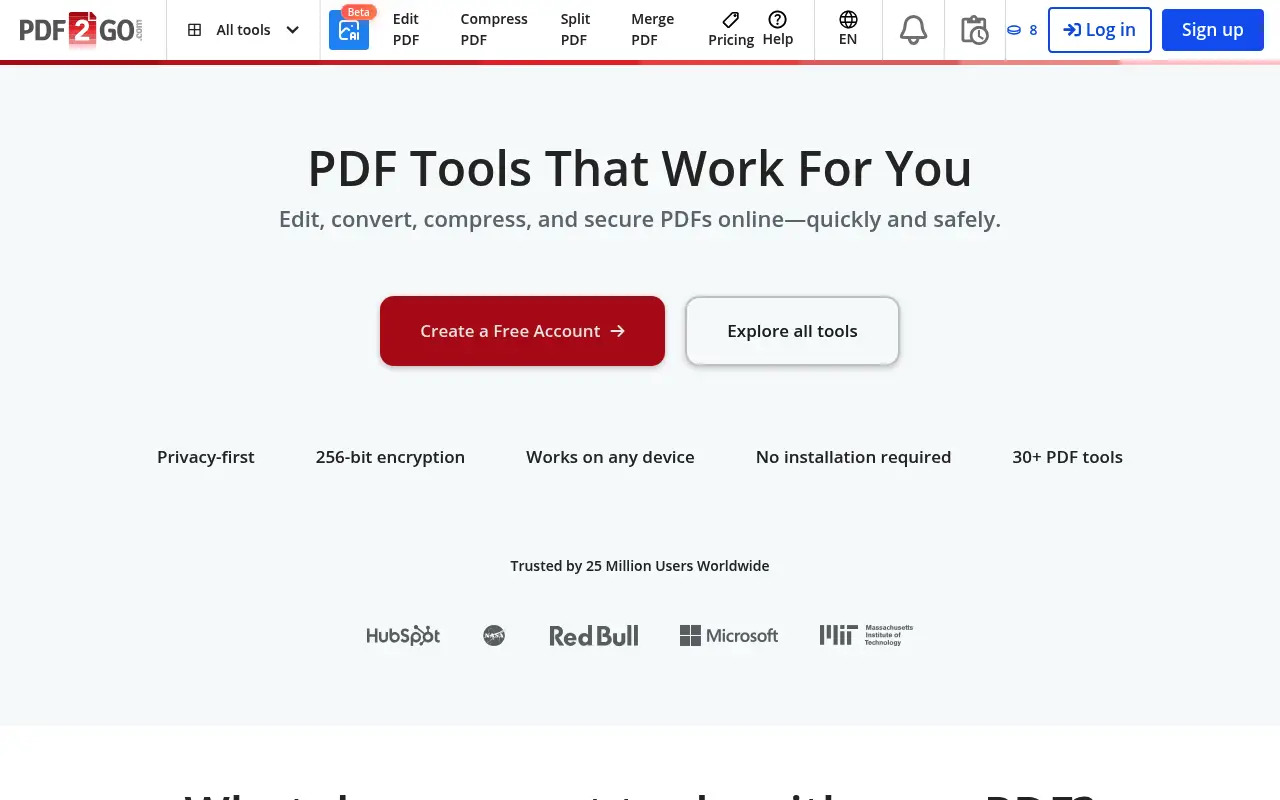
PDF2Go provides a wide range of PDF tools including editing, conversion, compression, merging, and splitting. It also supports document-to-document conversions beyond just PDF. The interface is functional but feels dated compared to Smallpdf.
The free tier includes ads and file size limits but allows a reasonable number of tasks. PDF2Go Premium ($6/month annual) removes ads, increases file size limits to 1 GB, and adds faster processing. It is one of the more affordable premium options.
A closer look at Smallpdf
Smallpdf pricing and plans
Smallpdf Pro at $144/year places it at the higher end of web-based PDF tools. The clean interface and smooth user experience justify the premium for some users, but the two-task daily limit on the free tier is the most restrictive among major competitors.
The Teams plan adds collaborative features at $10/user/month, making it viable for small to mid-size organizations that need managed PDF access. Desktop and mobile apps are included with Pro subscriptions.
No perpetual license exists. Users are locked into annual recurring payments, and the early termination fee on annual plans billed monthly adds an extra layer of commitment.
Smallpdf core strengths
Interface design is Smallpdf's clear differentiator from PDF2Go. Every element is intentionally placed, the color scheme is calming, and the workflow from upload to download requires minimal clicks. For users who value aesthetics and usability, Smallpdf is the clear winner.
Security certifications (ISO 27001) and Swiss data center locations provide regulatory advantages. For European companies concerned about data sovereignty, Smallpdf's Swiss hosting aligns with stricter privacy expectations.
The e-signature tool, while not as comprehensive as dedicated signing platforms, covers the common use case of requesting a signature on a document. This integration eliminates the need for a separate signing service for basic needs.
Smallpdf known limitations
At $144/year, Smallpdf is expensive for what is fundamentally a web-based PDF utility. PDF2Go offers similar core functionality at roughly half the price, which makes the premium harder to justify purely on features.
The limited free tier serves as a demo rather than a usable product. Two tasks per day is not enough for any regular workflow, pushing even light users toward the paid plan sooner than competing platforms.
Advanced features are limited. No inline text editing, no OCR, no form creation. Smallpdf focuses on simplicity, but this means users who need any editing depth beyond annotations must look elsewhere.
A closer look at PDF2Go
PDF2Go pricing and plans
PDF2Go Premium at approximately $78/year ($6.50/month billed annually) is cheaper than Smallpdf while offering a similar range of tools. The free tier allows basic operations with file size limits and advertisements.
Month-to-month pricing at $8.50 is more affordable than Smallpdf's $18/month for users who want flexibility without annual commitment. No perpetual license is available.
There are no team plans, enterprise features, or API access. PDF2Go is built for individual users who need a straightforward online PDF and file conversion platform.
PDF2Go core strengths
PDF2Go extends beyond PDF operations into general file conversion. Document formats (DOCX, PPTX, XLSX), image formats, and ebook formats (EPUB) are supported alongside PDF tools. This makes it a broader utility than Smallpdf for users who need mixed format conversions.
The online PDF editor allows visual editing: adding text, shapes, images, and freehand drawings directly in the browser. While this is not true text editing of existing content, it provides more visual editing options than Smallpdf's annotation tools.
No account is required for basic operations. Users can process files without creating an account, entering an email, or going through any registration. This is ideal for privacy-conscious users who want a one-off conversion without leaving a trace.
PDF2Go known limitations
The user interface is less polished than Smallpdf's. The layout feels busier, ads on the free tier are more prominent, and the overall design has not kept pace with modern web standards. Usability is functional but not enjoyable.
Processing reliability is inconsistent with complex files. Large PDFs or documents with unusual formatting can fail silently or produce corrupted output. Retry attempts sometimes succeed, but the inconsistency undermines trust for important documents.
No mobile apps are available. The mobile web experience is usable but not optimized. Users who process PDFs frequently on phones or tablets will have a better experience with Smallpdf's dedicated mobile apps.
Feature comparison
Smallpdf vs PDF2Go vs File Studio
| Feature | Smallpdf | PDF2Go | File Studio |
|---|---|---|---|
| Pricing | Free (2/day); Pro ~$12/month (annual) | Free; Premium ~$6/month (annual) | $29 one-time or $9.97/year |
| Interface quality | Modern, polished, excellent UX | Functional but dated, ads on free tier | Clean desktop interface |
| Free tier limits | 2 tasks per day | Ads and file size limits, but more tasks allowed | No free tier; no limits after purchase |
| File size limits | Varies by plan | Premium supports up to 1 GB | No file size limits |
| Works offline | Desktop app, cloud-dependent | No, web-only | Fully offline |
| Privacy / files stay local | Files uploaded for processing | Files uploaded, stored 24 hours | Files never leave your device |
| File format support | PDF and common formats | PDF plus many document and image formats | PDF and image formats (JPG, PNG, WebP, TIFF, BMP, SVG) |
| Batch processing | Pro only | Limited on free; improved on Premium | Unlimited batch processing included |
Verdict
Which tool should you pick?
Smallpdf is the better experience if you value a polished interface and are willing to pay for it. PDF2Go is the more affordable option with broader format support and higher file size limits on its paid plan. Neither processes files locally. For users who want offline processing, no subscriptions, and both PDF and image tools in one place, File Studio is the most practical choice.
Pricing breakdown
What you actually pay over time
Smallpdf Pro at $144/year costs nearly twice PDF2Go Premium at $78/year. Over three years, the difference is $198 ($432 versus $234). The question is whether Smallpdf's superior interface, e-signatures, and security certifications justify the premium over PDF2Go's functional but less polished offering.
Both free tiers serve as limited previews. Smallpdf's two tasks per day is more restrictive, but the experience during those two tasks is smoother. PDF2Go's free tier allows more operations but with ads and a less refined workflow. For occasional users, PDF2Go's free tier is more practical.
File Studio at $29 once or $9.97/year undercuts both substantially. Over three years, it saves $403 versus Smallpdf and $205 versus PDF2Go. File Studio offers offline processing and image tools that neither web-based platform provides, at the expense of browser-based convenience and broader format support.
Users who split their time between PDF and other document format conversions get more utility from PDF2Go, which handles DOCX, PPTX, and EPUB conversions that Smallpdf does not support. For pure PDF work, Smallpdf delivers a better experience at a higher price. File Studio covers PDF and image formats locally at the lowest cost.
Decision guide
Which tool should you pick?
You prioritize user experience and design quality
Pick Smallpdf. Smallpdf's interface is noticeably better designed than PDF2Go's. If you use PDF tools frequently, the smoother experience makes daily work more pleasant.
You need file conversions beyond PDF (DOCX, EPUB, images)
Pick PDF2Go. PDF2Go supports broader format conversions including document, image, and ebook formats. Smallpdf is limited to PDF-related conversions only.
You want to process PDFs without creating any account
Pick PDF2Go. PDF2Go allows full anonymous use on the free tier without account creation. Smallpdf requires sign-in for most features beyond the most basic operations.
You want offline PDF and image tools at the lowest price
Pick File Studio. At $29 once, File Studio provides local PDF operations and image editing without internet dependency. It costs less over three years than a single year of either Smallpdf or PDF2Go.
You need e-signatures within your PDF tool
Pick Smallpdf. Smallpdf includes built-in e-signature capabilities for sending and tracking signed documents. Neither PDF2Go nor File Studio offers this feature.
The third option
Why File Studio might be a better fit
No ads, no uploads, no daily limits; just a clean desktop app you own.
At $9.97/year, it is cheaper than PDF2Go Premium and far cheaper than Smallpdf Pro.
Works completely offline, unlike both web-dependent tools.
Adds image editing capabilities beyond what either web tool provides.
Pricing
Simple, fair pricing.
All tools included. No hidden fees. Processing stays on your device.
Yearly
For short-term projects.
- 1 year of updates
- Image, PDF, SVG, and spreadsheet tools
- Works on Mac & Windows
- All processing done on device
Lifetime
One purchase. Keep it forever.
- Unlimited conversions forever
- 1 year of major updates
- Image, PDF, SVG, and spreadsheet tools
- Watch Folders & Automation
- macOS Notch Drop Zone
- Works on Mac & Windows
Team & Bulk Pricing
Lifetime seats with volume discounts. More seats, bigger discount.
15
lifetime seats
You save
$60
15% off the individual price
Enterprise
50+ seats with custom pricing, centralized license management, and priority support.
FAQ
Frequently asked questions
Is Smallpdf worth the higher price over PDF2Go?→
If you use PDF tools frequently and value a smooth interface, Smallpdf's experience is noticeably better. If you are price-sensitive and can tolerate ads and a less polished design, PDF2Go does the job for less.
Does PDF2Go show ads?→
Yes. The free version of PDF2Go displays ads. Premium removes ads and adds other benefits like increased file size limits and faster processing.
Can either tool handle very large PDFs?→
PDF2Go Premium supports files up to 1 GB, making it better for large documents. Smallpdf has lower limits that vary by plan. File Studio has no file size limits since it processes locally.
Is my data safe with these web tools?→
Both use encryption for uploads. PDF2Go stores files for 24 hours. Smallpdf deletes files after processing. For maximum privacy, use an offline tool like File Studio where files never leave your computer.
Can File Studio handle the same conversions as PDF2Go?→
File Studio handles PDF-to-image and image-to-PDF conversions, plus various image format conversions. PDF2Go supports a wider range of document format conversions. For PDF and image work specifically, File Studio covers the most common needs.
@ayysoni · June 2, 2026
Related File Studio tools:
More comparisons: